
Pay your bills with a BSB & account number.
Got a bill with just a BSB and account number, no BPAY code in sight? Sorted. Sniip now lets you pay those bills too, using your credit card, debit card, or bank account, all from the one app.
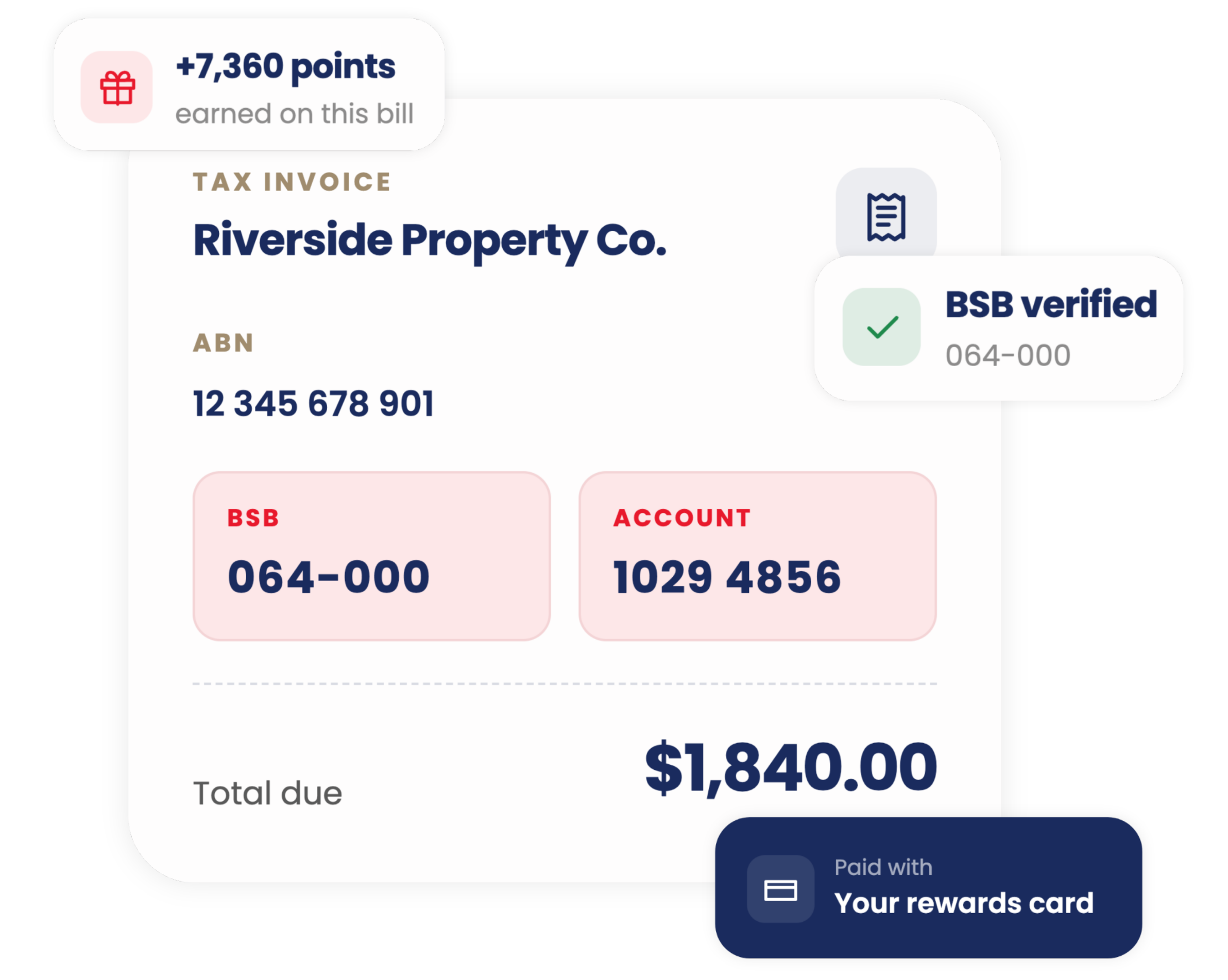
From bill to paid, in four steps.
Verify once, add your bill, and you’re set to pay the way you want, points and all.
Verify your identity
A quick one-time check (Australian driver’s licence or international passport) to keep everyone’s money safe. Takes a couple of minutes.
Add your bill
Scan it, upload a PDF or photo, or forward it from your email. We’ll pull out the BSB, account number, and amount automatically.
We review the biller
First time paying a new biller usually takes up to 2 business days. After that, you’re set for next time.
Pay your way
Credit card, debit card, Amex, PayTo Plus+ and more.
Earn points straight from your bank account with PayTo Plus+
You don’t need a credit card to pay these bills or to earn points. A standard bank transfer through Sniip won’t earn you anything, but PayTo Plus+ will.
PayTo Plus+ uses PayTo, Australia’s secure bank-to-bank payment infrastructure, to pay straight from your bank account while still earning points. Link your account with PayID or your BSB and account number, approve the payment in your banking app, and you’re done.
Your biggest bill, your biggest points-earner.
Rent is usually your biggest monthly bill, so why not make it your biggest points-earner too? Set up rent payments through Sniip, pay with any card (even Amex), and earn full points every time, with the option to set it and forget it on recurring.
See how it worksA few things to know
Some industries can’t be paid this way (think travel, banking and financial services, gambling, and a few others) due to regulatory requirements. If your biller falls into one of these categories, we’ll let you know during the review process.
Good questions, answered.
Everything you need to know about paying bills with a BSB and account number.
A BSB (Bank State Branch) is a six-digit code that identifies your bank and branch, and the account number identifies the specific account. Together, they’re how money moves between Australian bank accounts, similar to how a BPAY code works for BPAY bills.
Your invoice needs to show the biller’s ABN (11 digits, not an ACN), their BSB and account number, the total amount due, and the word “Invoice” or “Tax Invoice” somewhere on it.
It’s a one-off step required by our regulators to keep payments safe and prevent fraud. You’ll need an Australian driver’s licence or international passport, and it only takes a couple of minutes.
Up to 2 business days for a new biller. After that, you can pay them again instantly.
A standard bank transfer doesn’t earn points, but PayTo Plus+ does. You’ll earn 1 point per dollar with no monthly cap, just by linking your bank account via PayID or BSB and account number and approving the payment in your banking app. Add Points Booster on top to earn even more.
Head over to our rent page, you can upload your lease or rental receipt and we’ll set you up to pay (and earn points on) your rent within 1 business day.
Some industries (travel, financial services, gambling, charities, and a few others) aren’t supported due to regulatory restrictions. We’ll flag this during biller review if it applies.
Amex rates depend on the biller’s category, not what you’re paying for. See our consolidated Amex rates explainer for the details.
Got a BSB & account bill? Add it now.
Verify once, add your bill, and pay your way, earning points every time.