
1. Can I pay my rent through Sniip?
Absolutely! Thousands of Australians are already using Sniip to simplify rent payments and earn full reward points when paying with eligible payment methods. Whether it’s your home rent or business rent, we’ve got you covered.
Most business rents already come with an invoice, which makes it super easy: just tap the ‘+’ in the app to upload a copy of your invoice. From there, you can pay now or set up a recurring payment so it’s handled automatically.
If you don’t have an invoice with you, you can also upload a receipt of a previous rent payment, it usually has all the key info we need:
-ABN (required – we can’t process private rentals)
-Total bill amount
-BSB & Account Number of who you’re paying
Or, you can email a copy of your lease/rental agreement to rent@sniip.com with the following:
-ABN (required)
-Lessor and lessee details
-Payable amount
-Reference number (so your biller can match the payment)
-BSB & Account Number
Once we have the info, we’ll create a rental bill for you and add it to your ‘To Pay’ tab in the Bills section of the Sniip app. You’ll get a handy push notification and email when it’s ready.
Heads up: this process can take up to 1 business day. If it’s urgent, give us a call on (07) 3268 7710 and we’ll help you out faster.
2. Why is my biller ‘under review’?
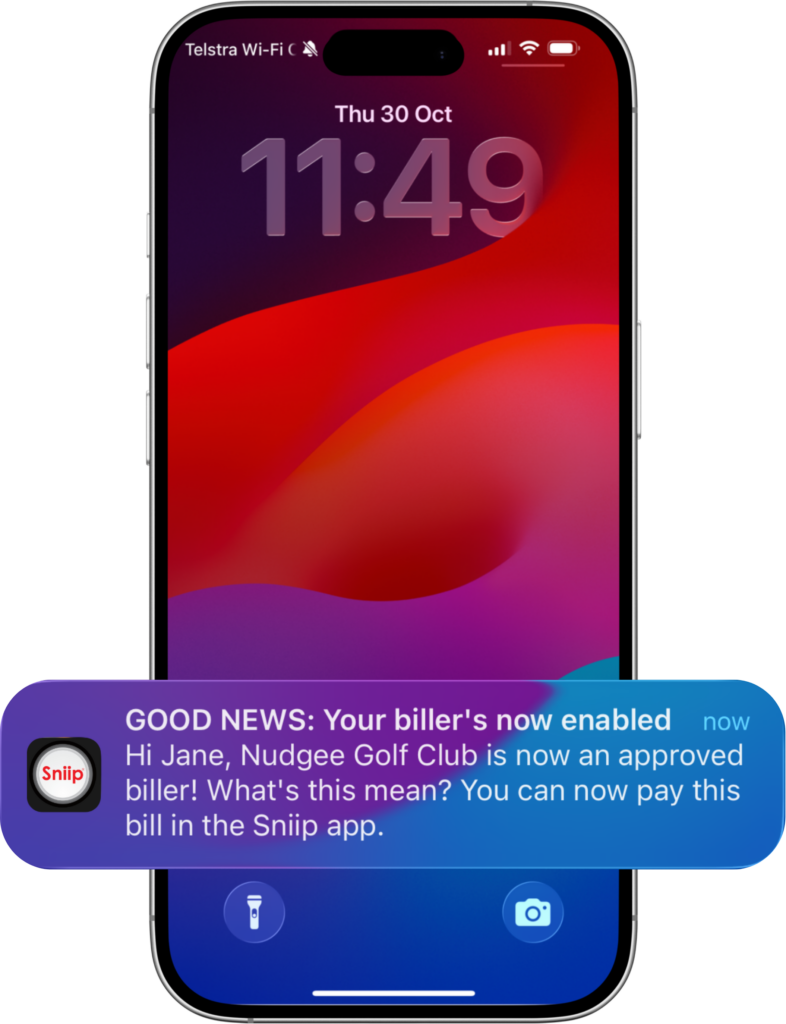
Great question! You’re probably just the first person to pay that bill. We review every new biller added to Sniip to make sure it’s in a permitted industry.
Here’s the good news:
-Our team works as quickly as possible to approve your bill.
-Once a biller is reviewed, future payments won’t need a review.
-You’ll get a push notification once your bill is ready to pay.
Please note: if a bill falls under a restricted or blocked industry, we won’t be able to facilitate the payment.
Currently, high volumes of submissions mean reviews can take up to 2 business days. If your bill is urgent or you have any questions, reach out to us at customercare@sniip.com or call (07) 3268 7710, and we’ll prioritise your request.
3. Can I make payment with my Afterpay Plus/Zip Money card?
Of course you can! Who doesn’t love a little extra flexibility when paying your bills? You can use BNPL (Buy Now, Pay Later) payment options like Afterpay Plus and Zip Money with Sniip via your Apple Pay or Google Pay wallet.
The best part? Even if your biller doesn’t accept Afterpay Plus or Zip Money directly, you can still use them through Sniip.
This is why users love using BNPL providers such as Afterpay Plus/Zip Money with Sniip:
-Pay in 4 instalments (managed through Afterpay Plus)
-Can be used for rent and other places Afterpay Plus isn’t accepted directly
Smooth & flexible, that’s Sniip.
4. How do I import a PDF into the Sniip app?
You can import a PDF into the Sniip app from any app on your phone where the file lives (like email, Files, Messages, or similar).
Here’s how it works:
-Open the app where your PDF is saved
-Locate the PDF you want to pay
-Tap Share and select the Sniip app (as shown in the video below)
Once selected, your bill will be imported automatically.
You’ll then find the bill in the ‘Bills’ section of the Sniip app. From there, simply follow the prompts to review and pay it, easy!
5. I’m trying to pay my rent with my Amex but it’s DEFT/StrataPay - how do I pay it?
At the moment, we’re unable to process DEFT payments using American Express or prepaid cards (including gift cards and Crypto.com cards). This is because DEFT/StrataPay doesn’t always show us the final bill details.
The good news is, you can still pay DEFT through Sniip using a bank account, debit card, credit card (excluding Amex), or a Visa card (non-prepaid).
If your DEFT payment is for rent, another easy option is to pay via BSB & Account Number, if these details have been provided by your rental agency. You can learn more about paying via BSB & Account Number here.