
Afterpay your bills
Pay your bills using Afterpay Plus through Apple Pay or Google Pay in Sniip and split your bill in Australia – rates, rego, utilities, even the ATO – into 4 interest-free payments. Pay on your terms.
See how to use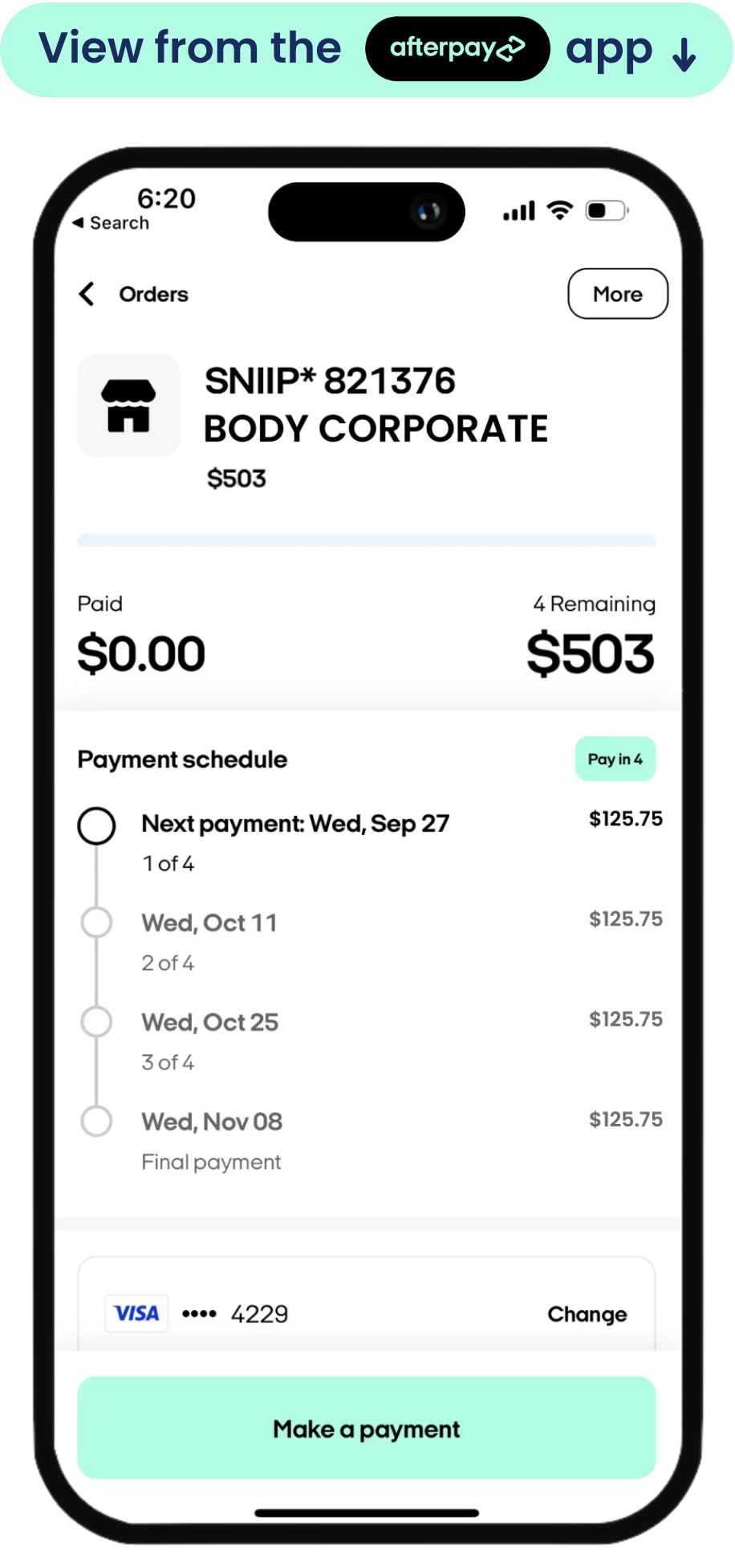
One bill. Four easy payments.
Big bill landed at the wrong time? Split it into four with Afterpay Plus and pay it off over six weeks in your Afterpay Plus account.
- Pay 25% today, the rest over 6 weeks on your Afterpay Plus account
- 0% interest, always
- Your biller gets paid straight away
Up and running in minutes
Three quick steps and your next bill is on Afterpay.
Get Afterpay Plus
Add your Afterpay Plus card to your digital wallet, so you can pick it via Apple Pay or Google Pay when you pay.
Download Sniip
Download the free Sniip app and create your account.
Pay any bill
Scan or enter your bill, pay with Apple Pay or Google Pay, and pick your Afterpay Plus card in your digital wallet to split it into four.
How to pay, whatever the bill
Apple Pay or Google Pay — here’s how each one works.
- 1Open Sniip and tap “Pay a bill”Log in and start a new bill payment from the home screen.
- 2Add your billScan the bill, type in the biller code, take a picture of your bill or import it from email.
- 3Enter the amount and choose Apple PayThen, select Afterpay Plus in your digital wallet.
- 4Confirm and you’re doneSniip pays your biller today; you repay Afterpay over six weeks. You manage the payments on your Afterpay app.
- 1Open Sniip and tap “Pay a bill”Log in and start a new bill payment from the home screen.
- 2Add your billScan the bill, type in the biller code, take a picture of your bill or import it from email.
- 3Enter the amount and choose Google PayThen, select Afterpay Plus in your digital wallet.
- 4Confirm and you’re doneSniip pays your biller today; you repay Afterpay over six weeks. You manage the payments on your Afterpay app.
There’s a lot more to Sniip
Afterpay is just one way to pay. Sniip lets you pay any bill your way, by card, BNPL or digital wallet, all from one app.
Transparent fees
See the fee before you pay, every time. No surprises at checkout.
Earn on eligible cards
Pay eligible bills by credit or debit card and earn the points, cashback or miles your card already offers.
Pay any bill
BPAY, non-BPAY, rates, rego, school fees, even the ATO and more.
Bank-level security
Your card and bill details stay encrypted and protected, every time.
Track every payment
See what’s paid and what’s coming up, all in one tidy history.
Pay later, your way
Afterpay Plus, Zip Pay, or your own debit and credit cards. Your choice.
Personal & business. No one else does both.
Your bills, your rules.
Pay rent, utilities and everyday expenses with the card that earns you the most: points, cashback, or a bit of breathing room before payday.
BusinessRun payments your way.
Pay suppliers, invoices and operating costs on your business card. Keep cash flow flexible and earn rewards on spend you’re already making.
Other apps make you choose. Sniip doesn’t.
Not on Afterpay? No worries.
Sniip works with more than one way to pay a bill. Pick what suits you.
Zip Pay your bills too
Prefer Zip Pay? Split your bills with Zip through Sniip just as easily.
Pay by card & earn points
Use your favourite credit or debit card and keep every reward point.
Pay with PayTo Plus+
Pay your bills with PayTo Plus+ and earn even more points.
Questions, answered
You certainly can! Whether it’s BPAY or non-BPAY (BSB & account number).
We do have a processing fee per payment, depending on the payment method you use. You’ll always see the fee before you confirm.
Sniip pays your biller as soon as your payment is confirmed and processed. You then repay Afterpay across four instalments over six weeks in your Afterpay app.
Yes. Your card and bill details are encrypted and protected with bank-level security every time you pay.
Start paying bills your way
Download Sniip free, pay with your digital wallet, select Afterpay Plus and put your next bill on your terms.