Blog Post

High Tech: What happens when you turn on auto-import

High Tech: What happens when you turn on auto-import

This is the ultimate way to streamline your bill payments

We weren’t lying when we said we wanted to take bill management to the next level!

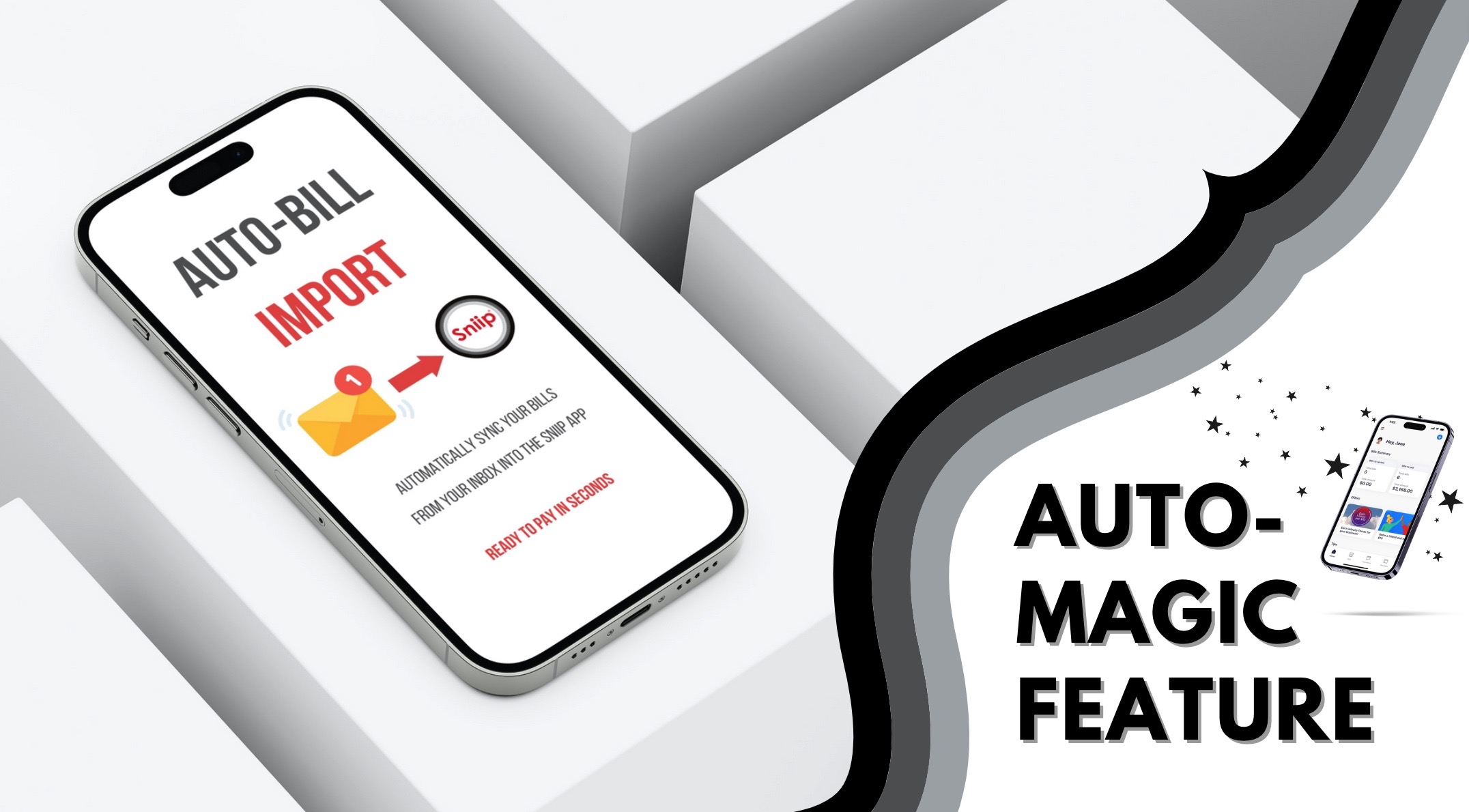
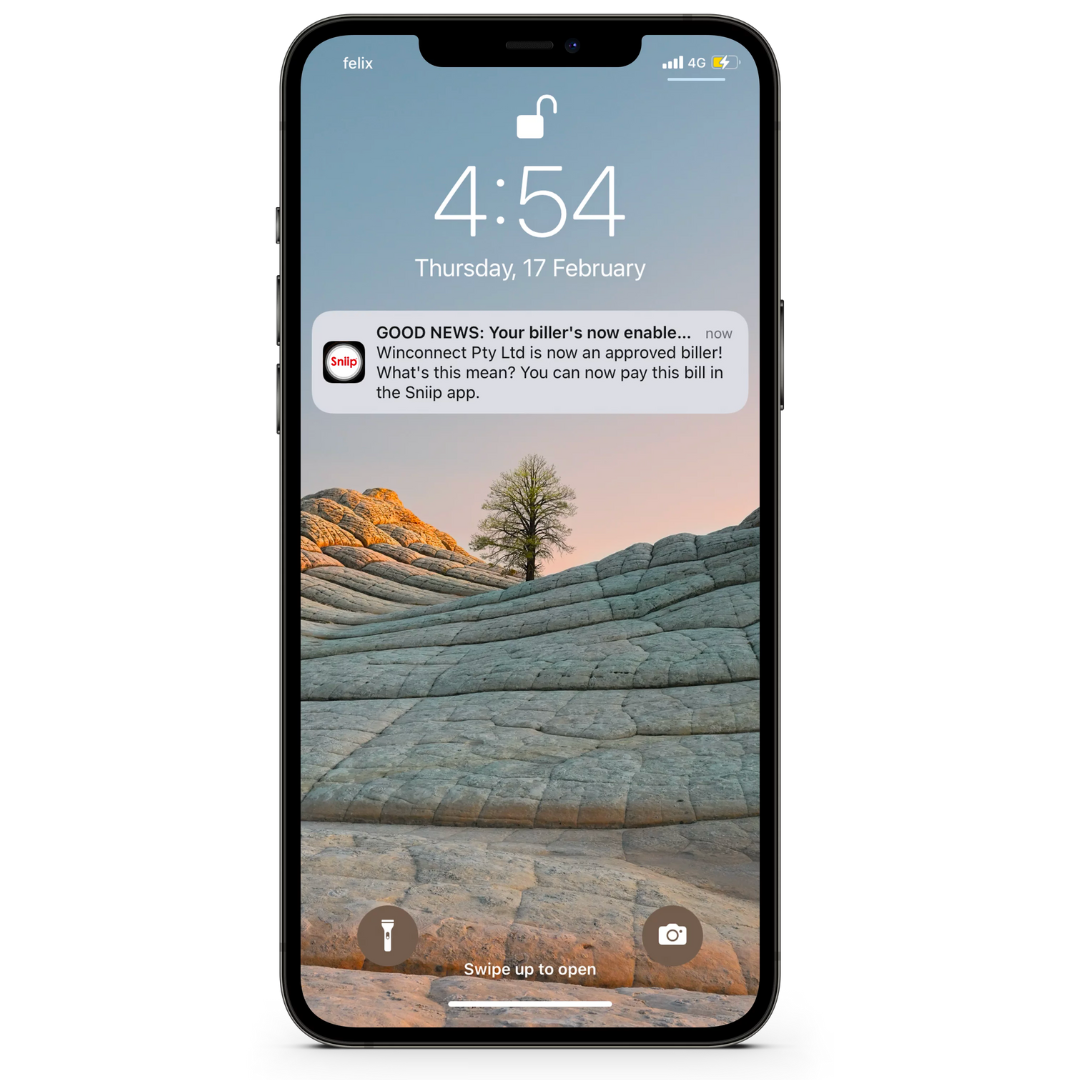
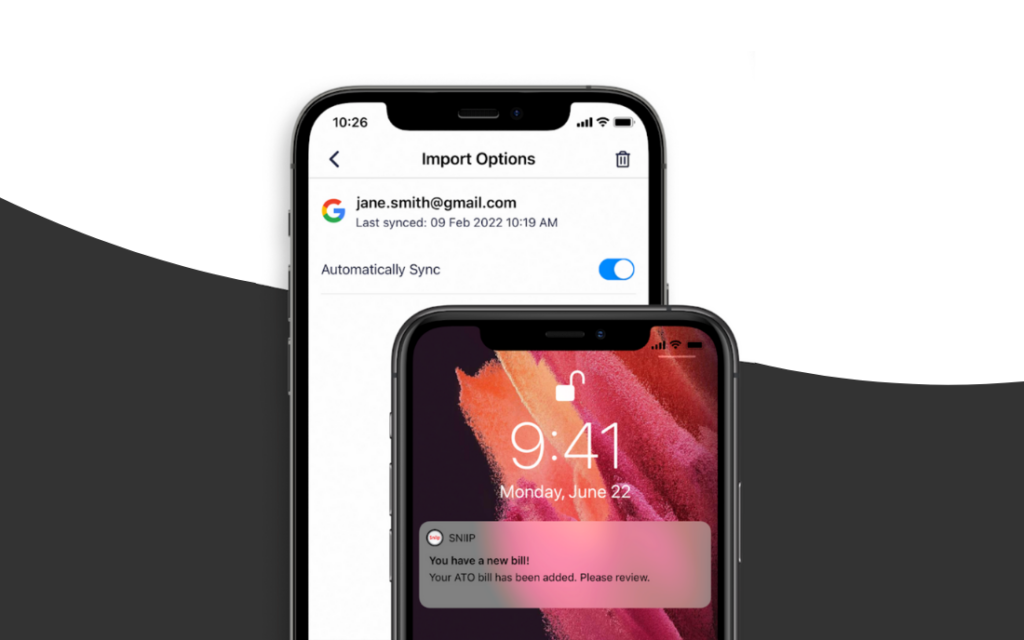
We’re extremely proud of our Auto-Bill Import feature, which automatically imports your bills from your inbox into the Sniip app, allowing you to receive and pay your bills in seconds. We’ll even send you a notification when a new bill has landed in your account! This way, you can manage all your bills in one place and pay or schedule them with just a few clicks.

P.s. If there’s one thing we’d recommend to you, it’s getting this feature set up in your Sniip account ASAP in preparation for our exciting launch of our ‘Pay to BSB and Account Number’ capability (coming soon)! Let us help you to make sure you never miss a bill payment again. 

Here’s how you do it:

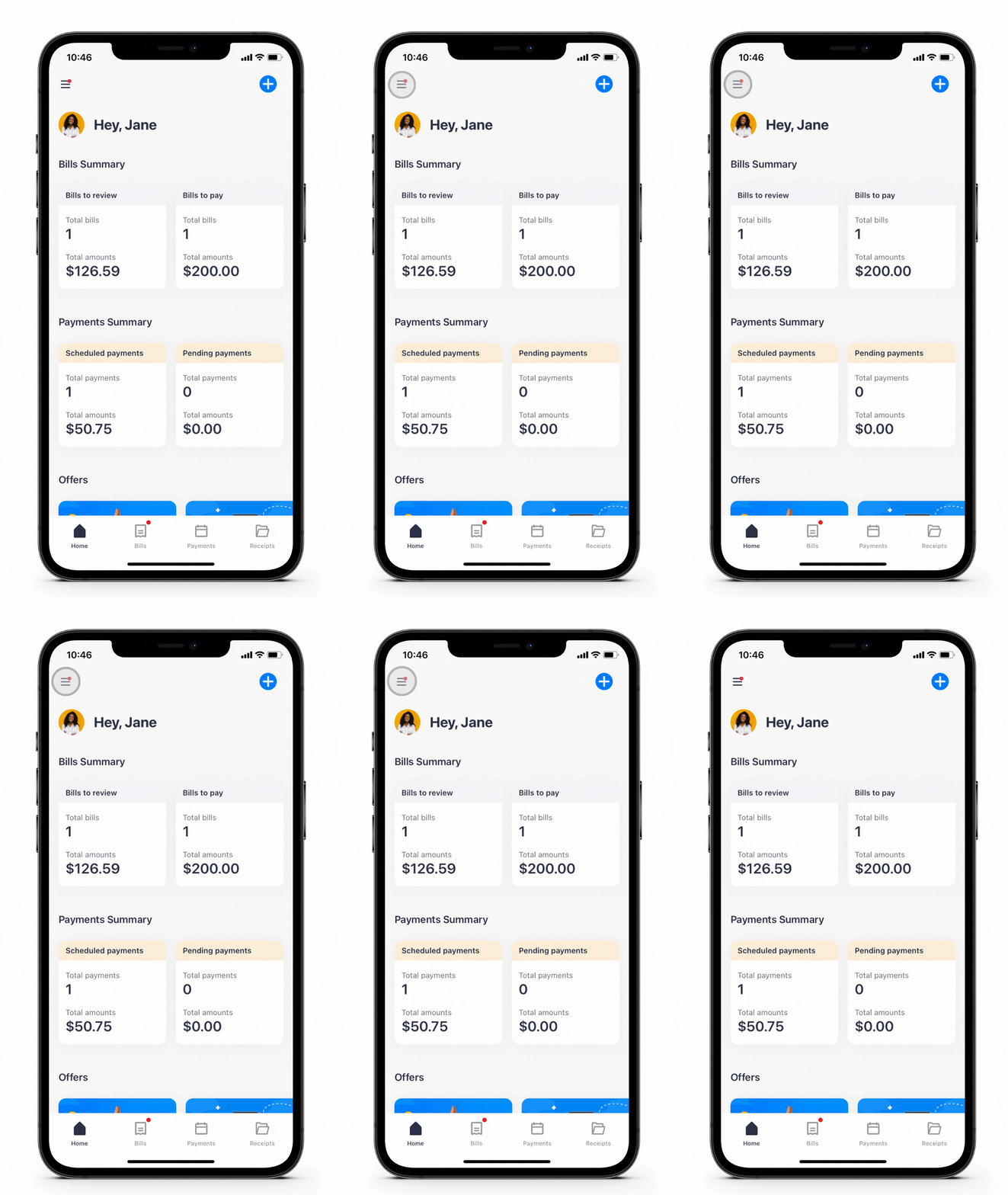
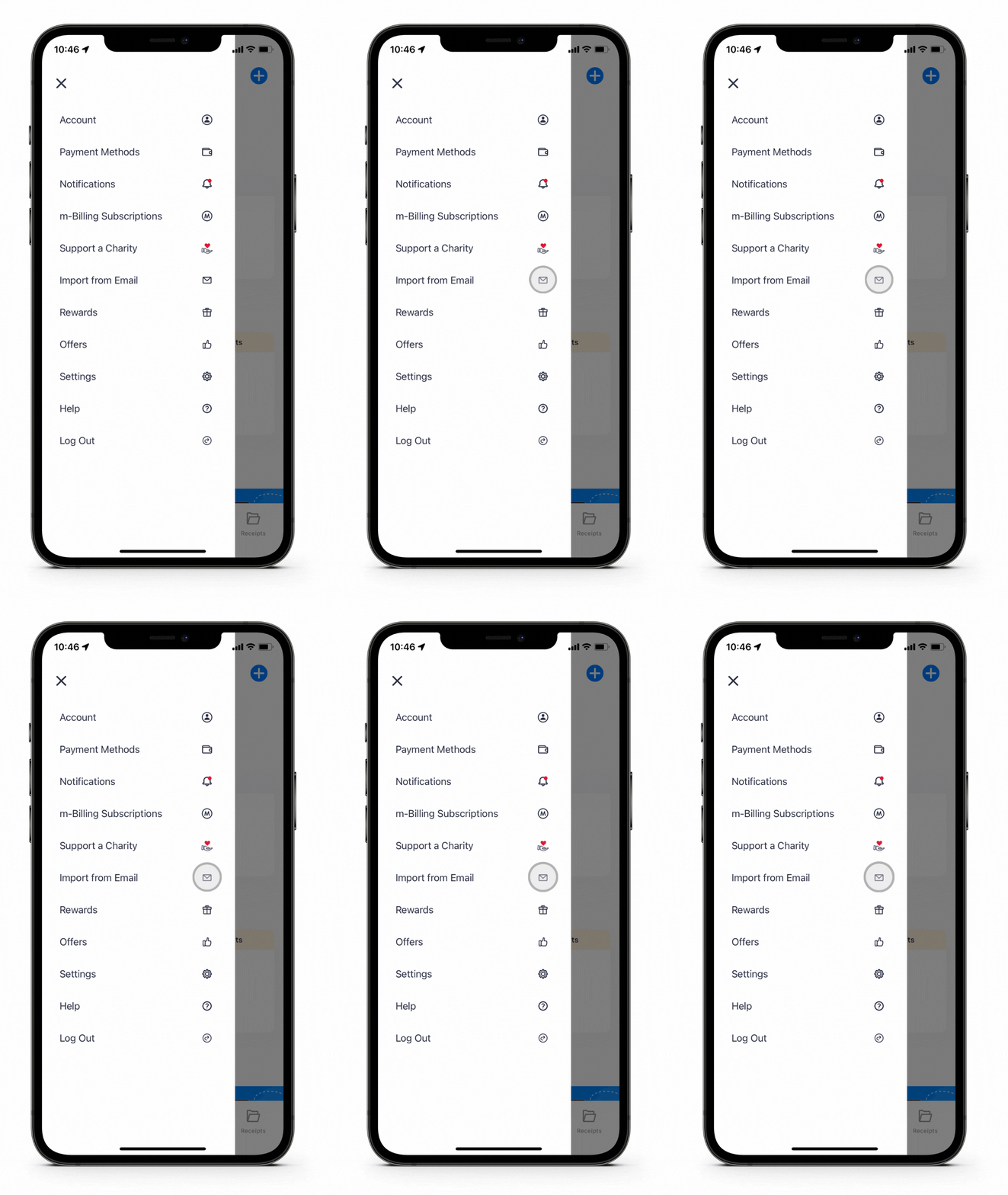
Log into Sniip and select the menu bar on the top left of your screen. 

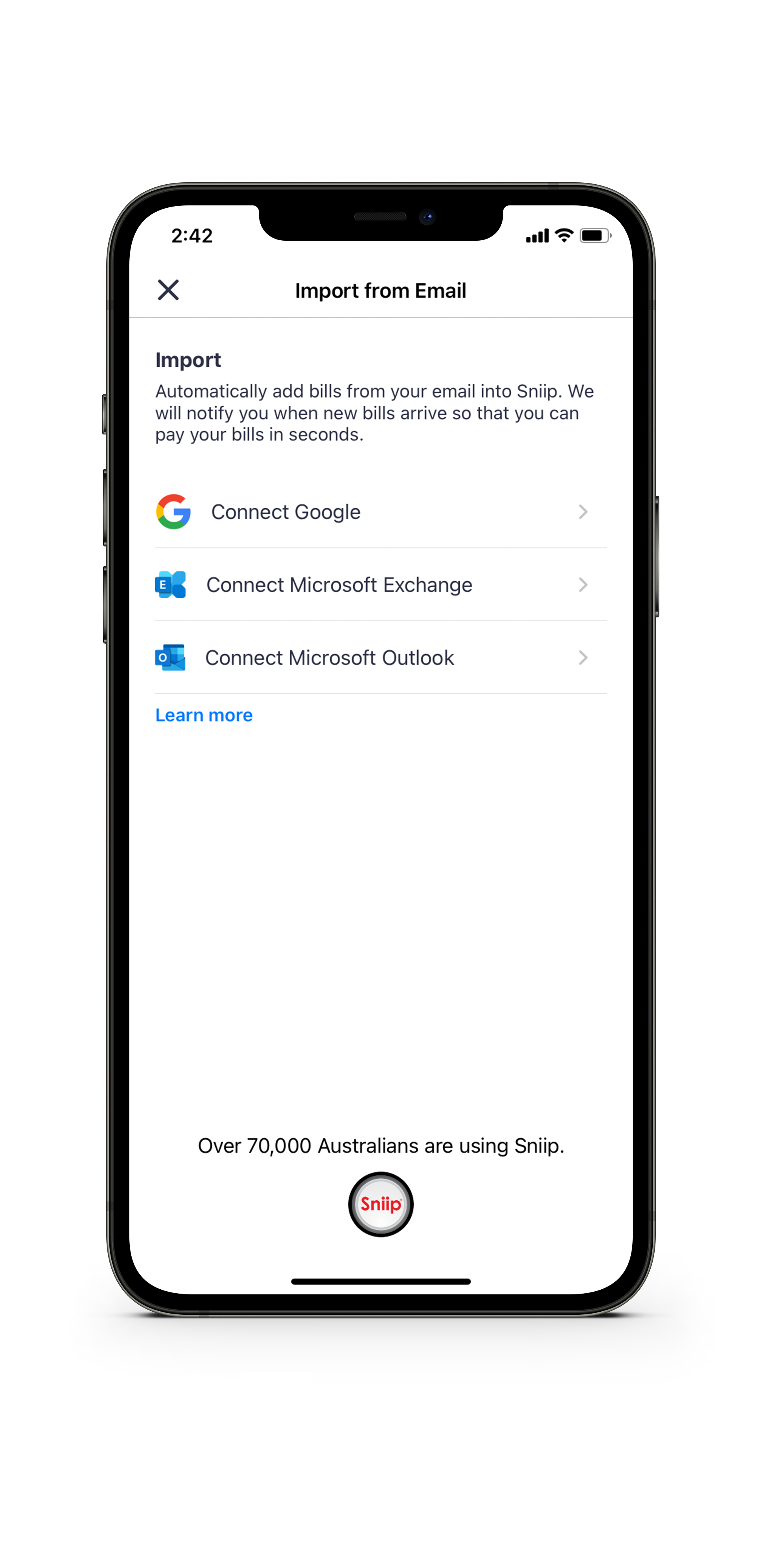
Tap ‘Import from email’ and select ‘Connect Google’, ‘Connect Microsoft Exchange’ or ‘Connect Microsoft Outlook’. 

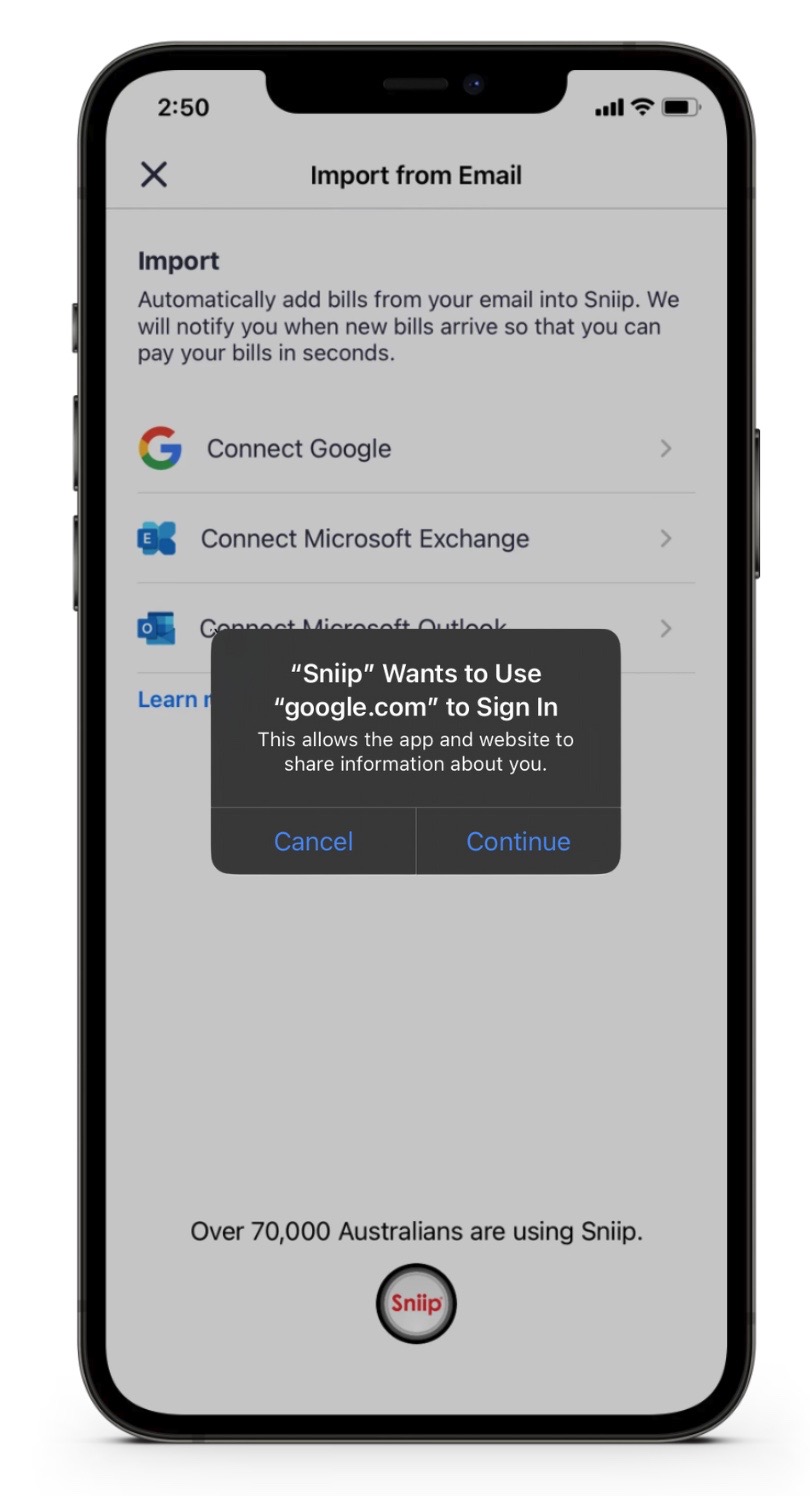
Enter the email address you’d like your bills imported from and authorise.

Click ‘continue’ and follow the prompts to connect your email address!

All done! You’ll receive a ‘push’ notification on your mobile when your bill lands in the Sniip app and is ready for payment.   

TOP TIP: This feature is currently only available for Gmail and Microsoft accounts (with more accounts coming soon). If you use a work or business account and have a custom email domain, ask your technical team if it’s hosted by Gmail. If the answer is yes, you’ll be able to use the feature. 

If you have any questions at all, email our friendly team at customercare@sniip.com or call (07) 3268 7710. We’re here for you! 

Click here for all the supported Microsoft accounts for email auto-import.

Please note: If your bill does not arrive with your email as a PDF attachment, you will need to download your bill first and share it to the Sniip app, as we need the attachment to create a successful auto-bill import. Don’t worry though, adding your bill to the Sniip app is easy! We’ve put together a page guiding you through how to do this, here

New Q&A: Your Most Common Questions Answered

New Q&A: Your Most Common Questions Answered

I added my bill and it says, ‘Under Review’, why?

It’s likely you’re simply the first person to pay this biller with Sniip. Every BPAY biller is reviewed before it’s approved to ensure the biller falls within a permitted industry. 

Our team will get an alert that you’ve attempted to add this bill and where possible, will review and approve it right away. Assuming it gets the “all clear”, you will then receive a push notification and an email, confirming that it’s ready to be paid. 

From time to time, we might reach out to you and ask for a copy of the invoice. To expedite this process, please send your invoice through customercare@sniip.com, then phone (07) 3268 7710.

We are prohibited from facilitating payments to the following industries: 

  • Remittance service providers
  • Charities and not-for-profit
  • Intermediaries
  • Pay-day lenders
  • Internet gambling
  • Casinos
  • Goods dealers/retailers
  • Foreign exchange currencies
  • Securities and derivatives
  • Managed investment schemes
  • International business operations
  • International students or travel products
  • Hiring and leasing
  • Payments/banking and financial institutions

Why have I been requested to verify my identification and payment method?

Short answer, for the protection of your account and that of all of our users.

There’s certain instances where verification will be required based on our automated fraud control protocols. This may include transacting while overseas, not having your legal name on your account, adding payment methods different to your legal name, adding multiple blocked billers, or creating multiple Sniip accounts. 

At Sniip, the security of your account is our top priority. We are a regulated Bill Payment Service Provider (BPSP) and an authorised BPAY Payer Institution Member (PIM). We adhere to Payment Card Industry, Data Security Standards (PCI DSS) Tier 1, the same level as the major banks. 

Our compliance team works through user verification as quickly as possible – usually within 24-48 hours. If you require this process to be expedited, please contact customercare@sniip.com or call (07) 3268 7710. 

Where do I view my credit card reward points?

If you have used a rewards credit card to pay bills in Sniip, rest assured that you are eligible to earn full points on your payments! Your reward points balance does not appear in the Sniip app as your credit card issuer provides these points.

To find out how to view your reward points balance, check out the links below:

Can I pay the ATO in partial payments?

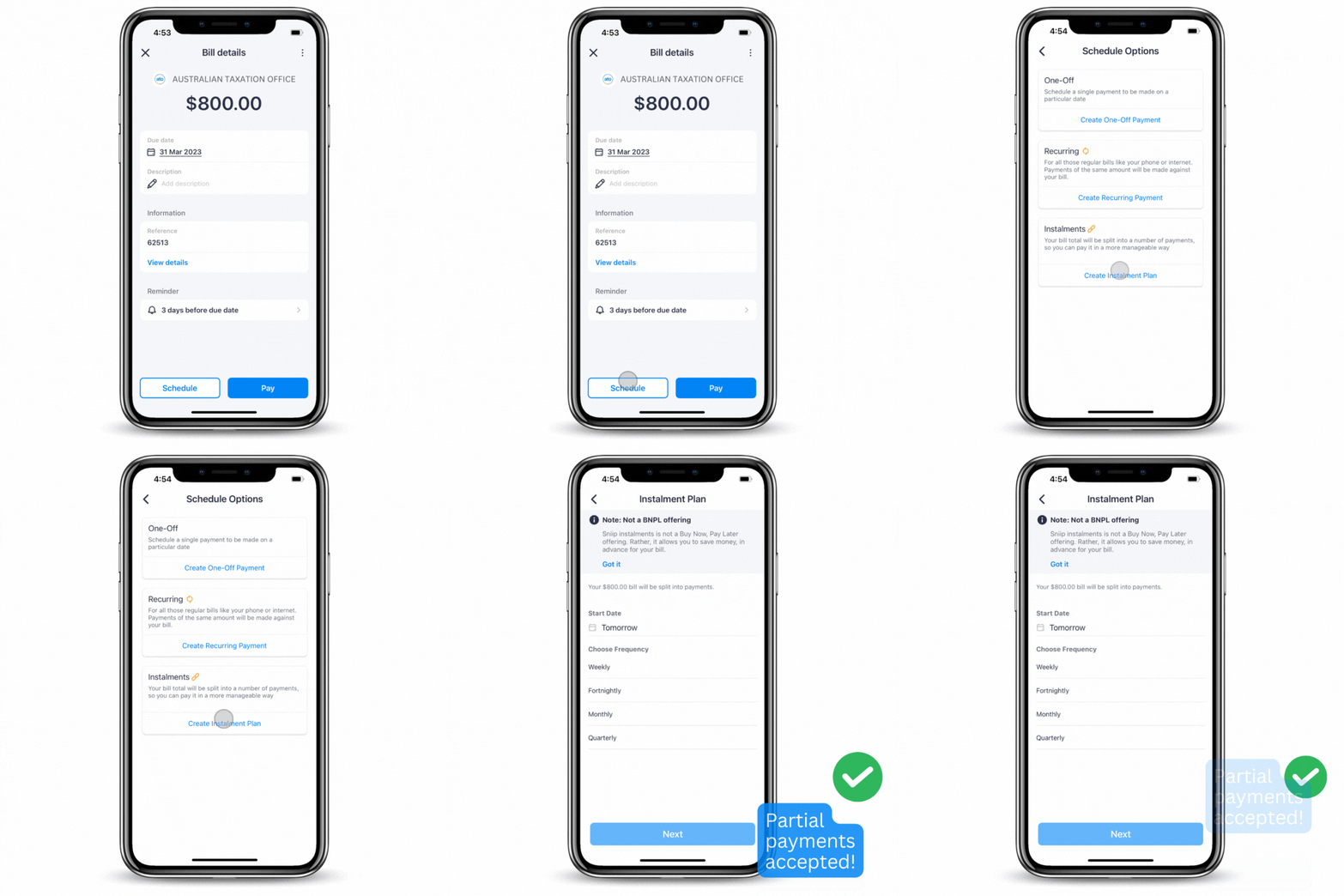
Absolutely! With Sniip, we don’t restrict how you pay. The ATO accepts partial payments, so you’re good to go. 

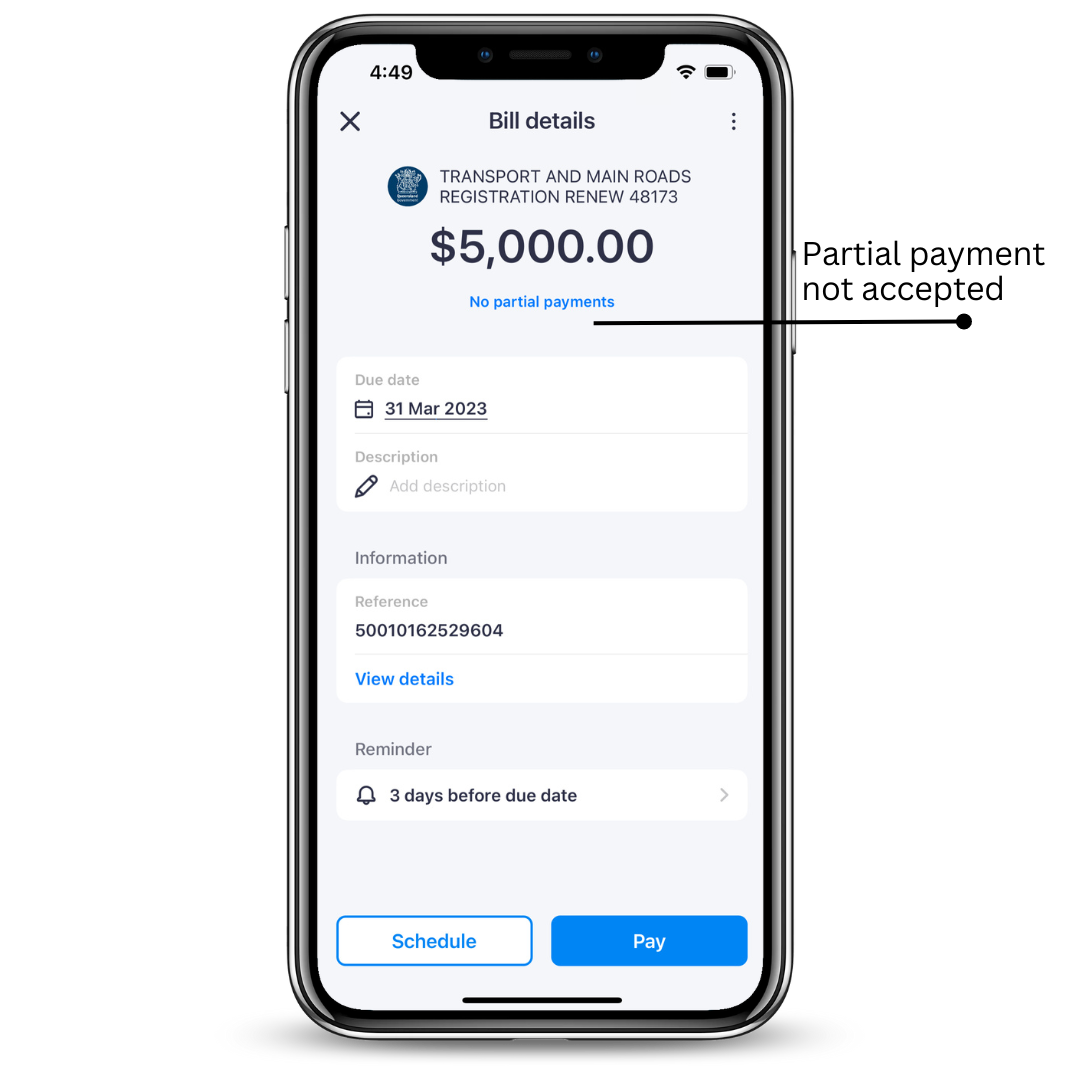
There are however some billers who don’t accept partial payments. For example, infringement notices, car registration and licence renewal fees. If you’re ever unsure, just add the bill to the Sniip app and we’ll give you an alert to let you know. 

Partial payments not accepted

Partial payments accepted

Where are you based and what’s the best way to get in touch?

Great question, our headquarters are based in South Brisbane, Queensland. 

You can get in touch with our team one of three ways. 

  1. Live chat (between 7.30am AEST and 6.30pm AEST)

    This is the quickest way to get your question answered in live time (if you can’t find it on our website or in our FAQs). Live chat is on the bottom right of our website and you’ll be speaking with our Brisbane-based Sniip Support Squad.

  2. Phone (07) 3268 7710 (between 7.30am AEST and 5pm AEST)

    Sometimes it’s just easier to talk something out on the phone and we get that. Our Brisbane-based Sniip Support Squad are super friendly and always here to help in the way that works best for you.

  3. You can always simply email customercare@sniip.com (monitored throughout business hours)

New Interface Update: Bill Details Page

We've got a new look for you!

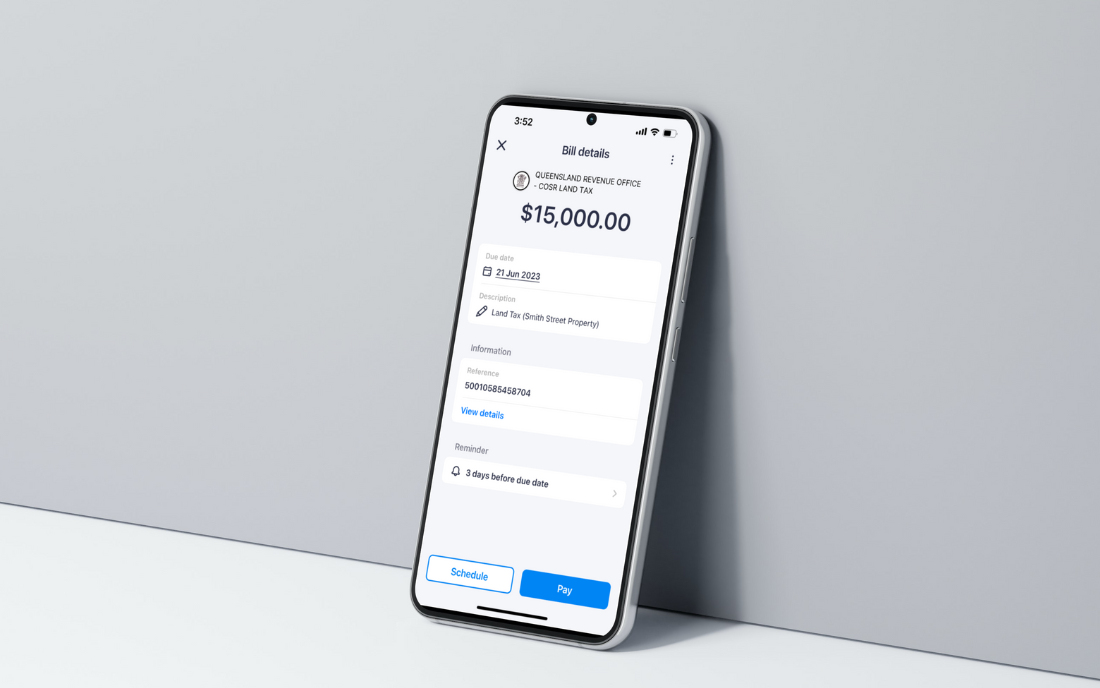
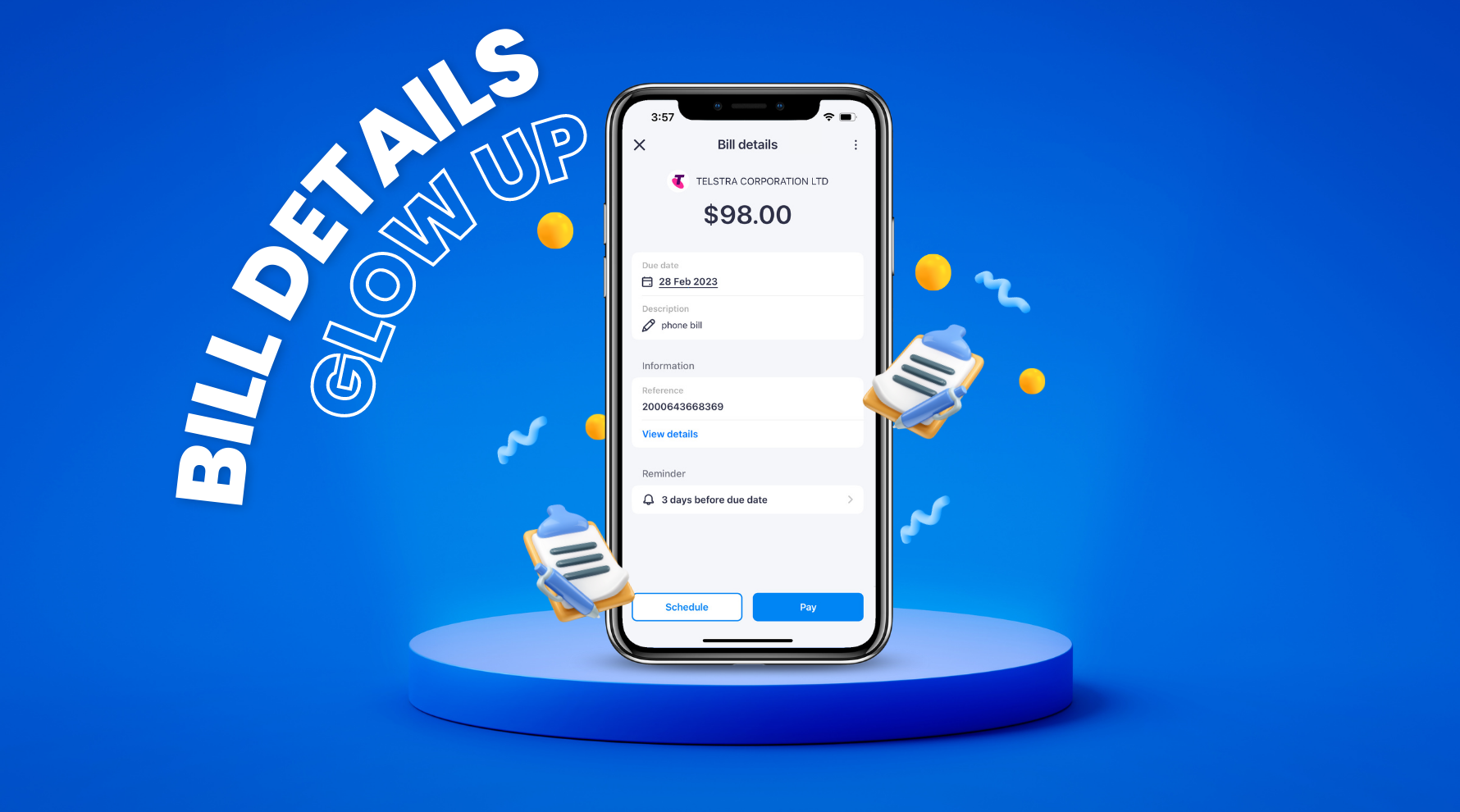
Meet our newest interface design for your ‘Bill Details’ screen!

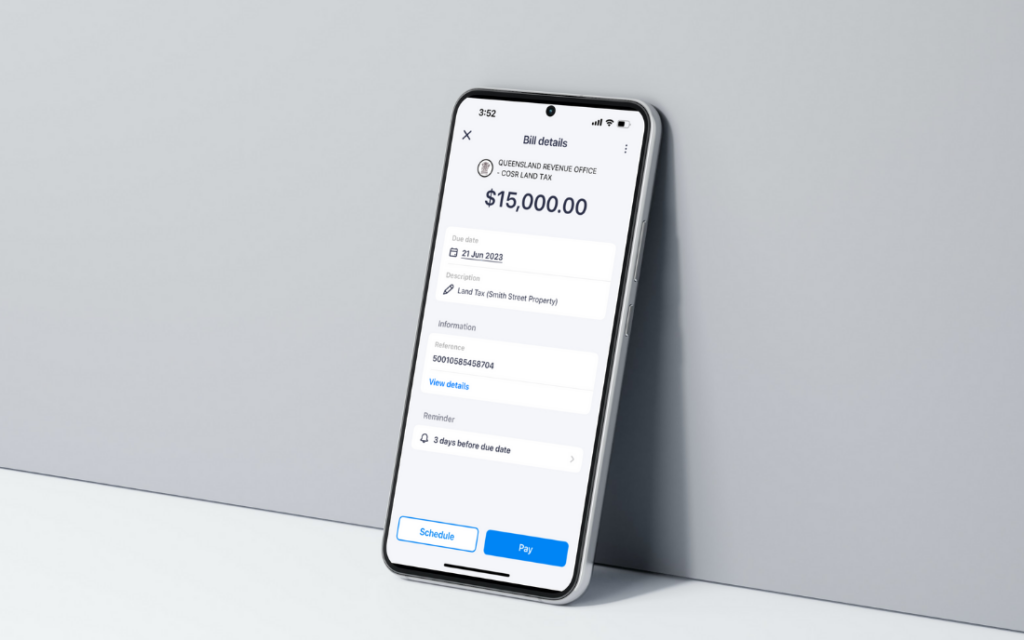
The interface displaying your bill details has gone through a complete makeover and we’re ready to show off its new and improved features!

With a focus on user-friendliness, intuitive navigation, and a sleek design, our team has been working hard to bring you a better and more efficient bill payment experience. 

So, whether you’re a seasoned bill-payer or just starting out, rest assured that we’ve got you covered with a hassle-free experience every step of the way.

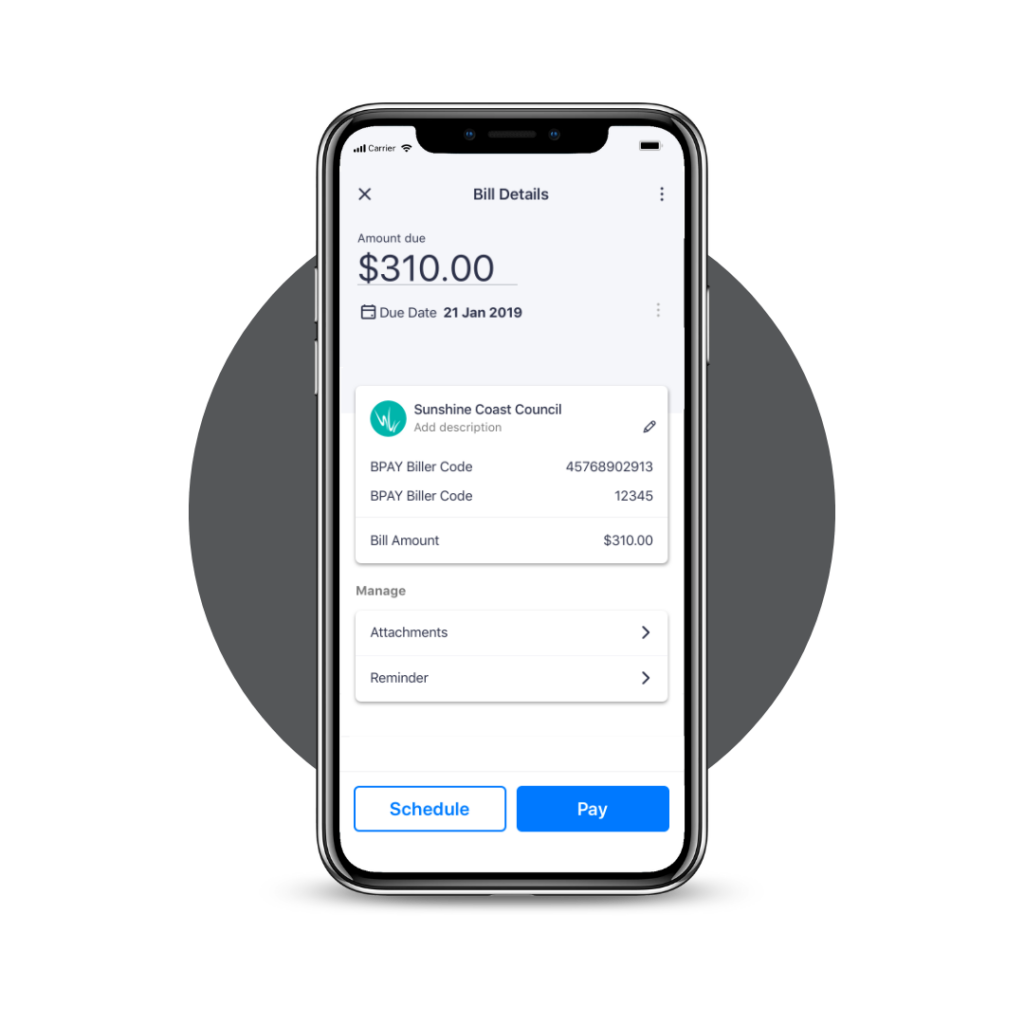
before

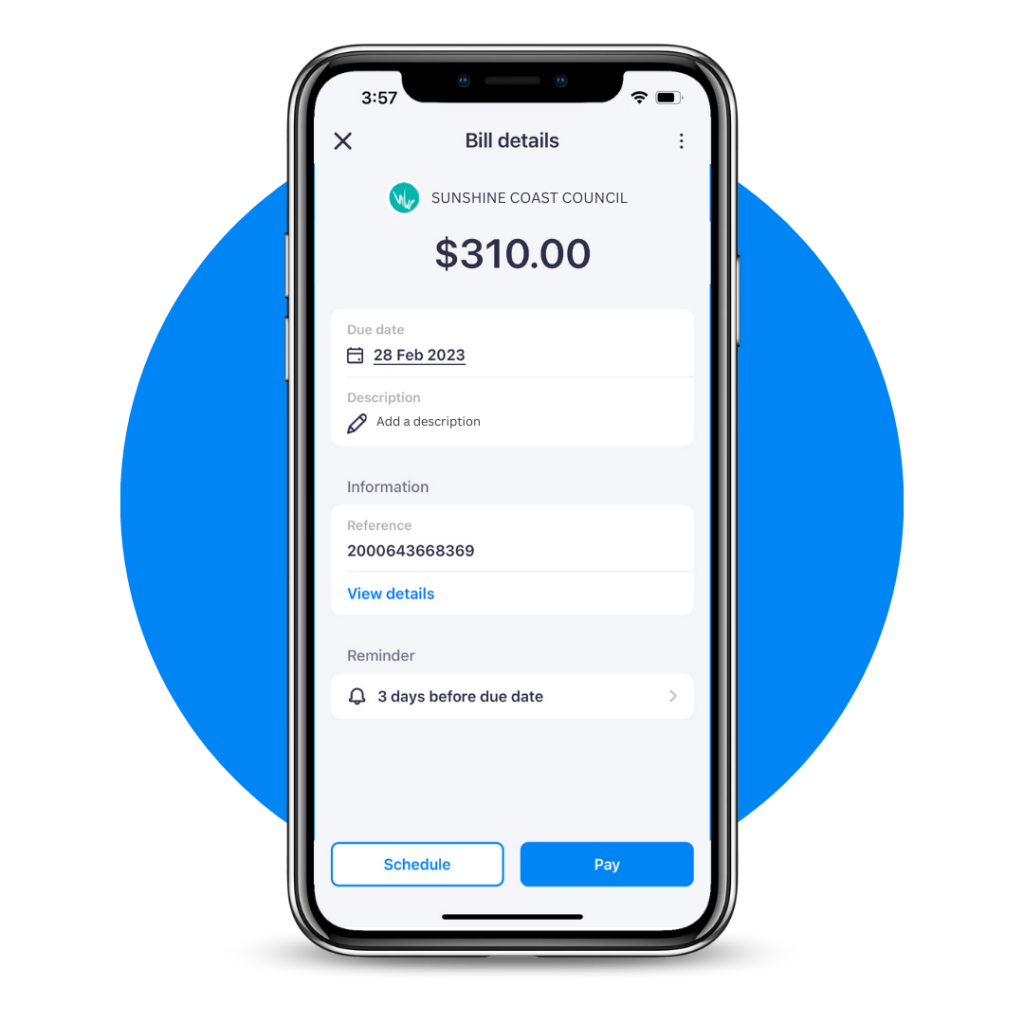
after

Bill Details Updates

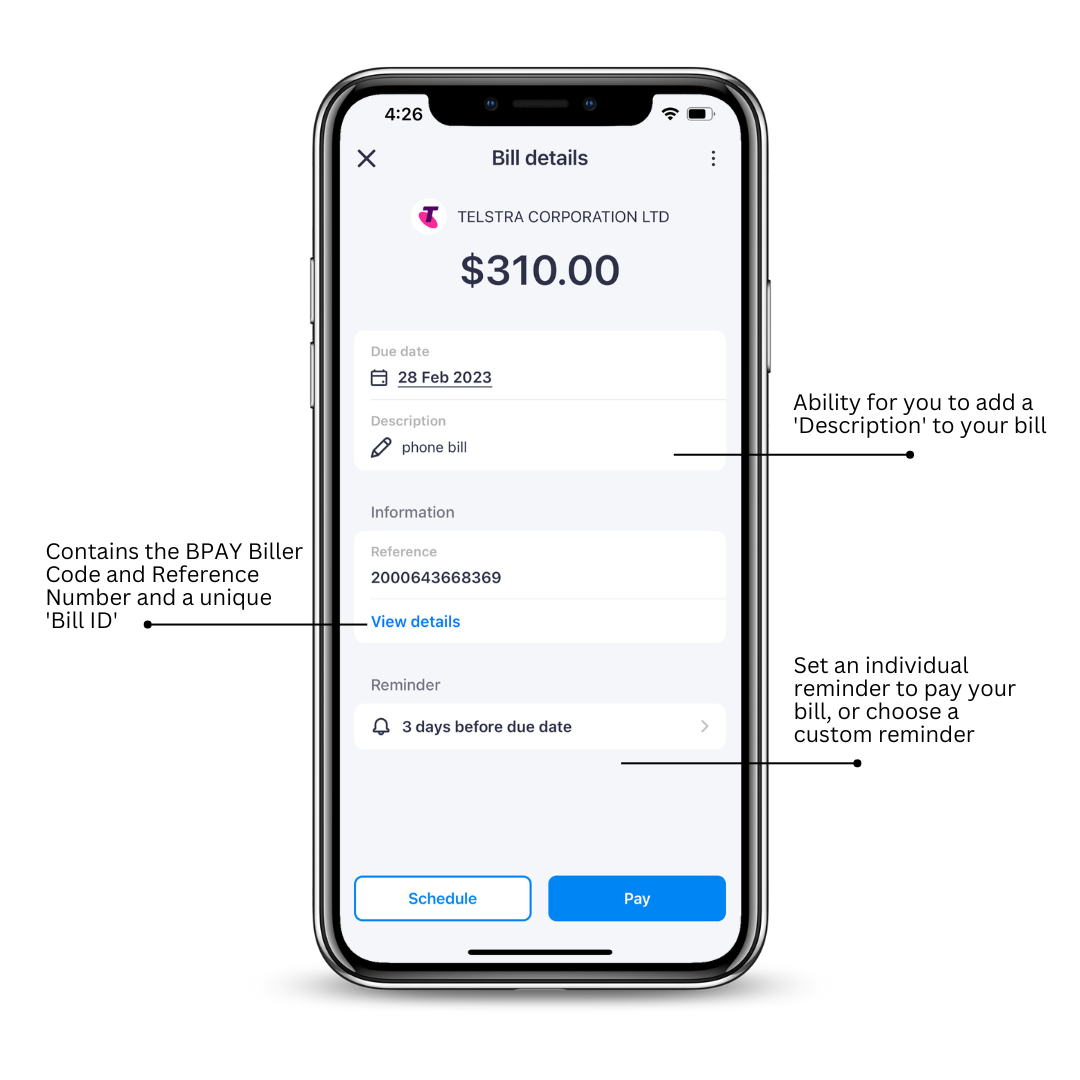
Reviewing your bill details before you make a payment has never been easier! We’ve covered all the basics for you including: 

  • View and change your due date.
  • Adding a unique description for your bill.
  • Review your bill information including your BPAY Biller Code and Reference Number. 
  • Set a custom reminder to pay your bill.

The new way to view your bills

At Sniip, it’s important to us that we ensure your bill payment process is as easy-as-can-be, as we strive to create a seamless bill payment journey. That’s why we are constantly working on perfecting the process. From the moment you log in to view your bill details, to the moment you hit ‘Pay’, we strive to create a journey that is effortless, efficient and stress-free!

Complete List: Top Billers Targeted In February 2023

Our most popular payments in February

Are you making the most of your bill payments through Sniip? Find out what bill users like yourself are paying this month!

Here’s our forecast of the bills most likely to be paid with Sniip this month: 

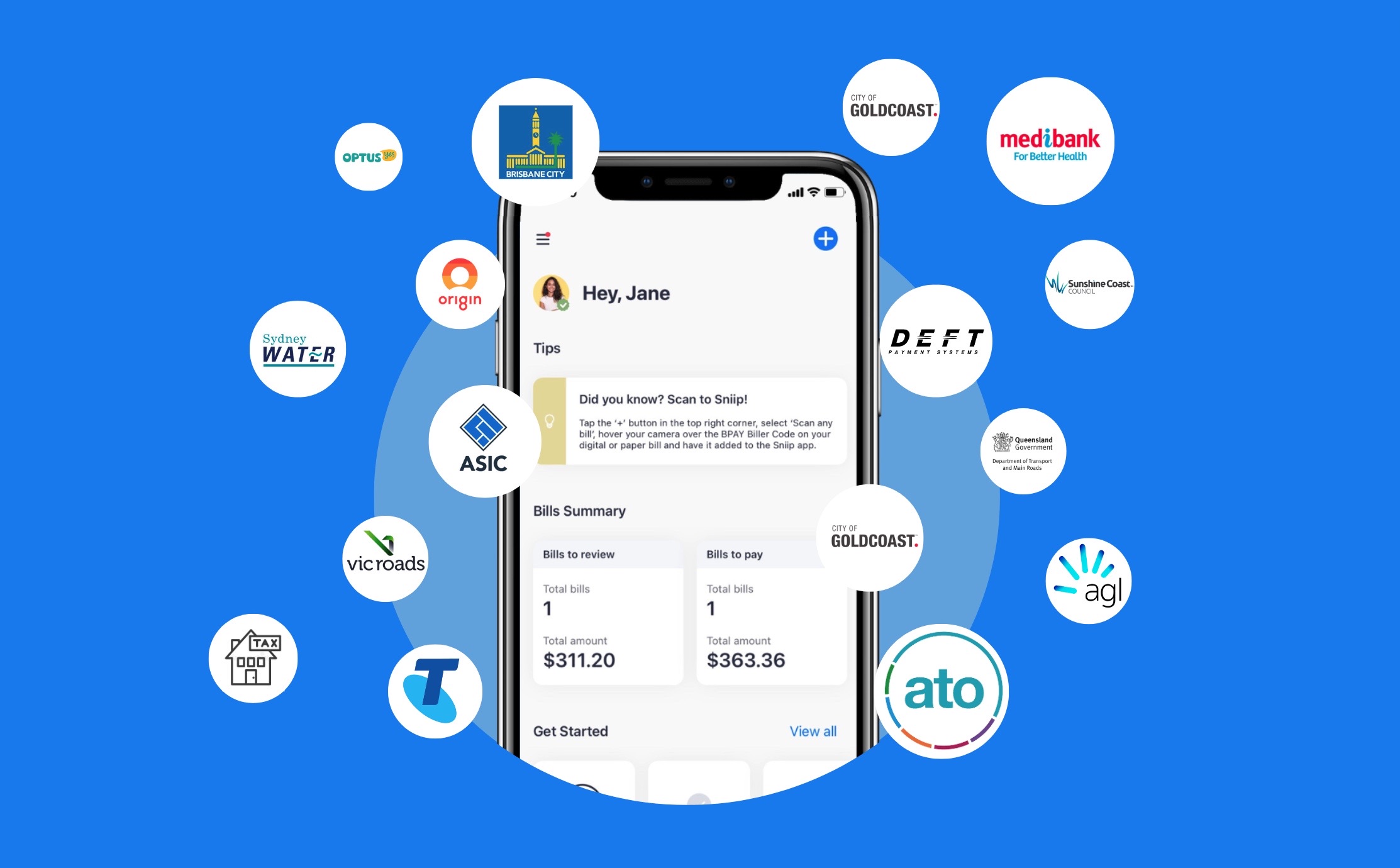
1. ATO 
Whether it’s your personal ATO or your business ATO, it’s a great bill to pay with Sniip. 

Paying the ATO with Sniip allows you to earn full points on your points-based credit card on the payment, even if you’d get reduced/no points if you paid the billers directly. 

2. Energy bills
Here’s some of the top energy bills we see during the month of Feb. 

  • Origin Energy
  • Ergon Energy
  • AGL
  • Energy Australia
  • Alinta Energy
  • Red Energy 

3. Water bills
We all need water and these providers are our users’ favourites! Do you have one of these too? 

  • Sydney Water
  • Yarra Valley Water
  • City West Water
  • Energy Australia
  • Unity Water

4. DEFT (payment system)

  • Electricity
  • Gas
  • Body Corporate

*Please note: You are unable to pay DEFT with an American Express card using Sniip.

5. Phone and internet bills 

  • Telstra
  • Optus 
  • Vodafone

6. ASIC (Australian Securities and Investments Commission)

  • Annual fees

7. Transport and Main Roads Rego Renewal

  • VicRoads 
  • Queensland Department of Transport and Main Roads

8. Council Rates 

  • Brisbane City Council Rates 
  • City of Gold Coast
  • Sunshine Coast Council

9. Strata (unit levies) 

  • Body Corporate 

10. Private health 

  • Medibank Private 
  • BUPA
  • HCF
  • NIB
Bonus bill idea is land tax (11)! 
 

If you pay any of these billers frequently, we’ve got good news for you! In the Sniip app, you can easily set up recurring payments so you can set and forget your bills.

How to set up a recurring payment

  1. Scan or import the bill to Sniip 
  2. In the bill details, tap on ‘Schedule’ 
  3. Select ‘Recurring Payments’ 
  4. Select the frequency and end date for the payments 
  5. Confirm 
  6. Done! 
Manage all your recurring payments from the Scheduled section under ‘Bills’.

Would you like a personalised meeting to discuss the best bills to pay to make the most of your experience with Sniip?

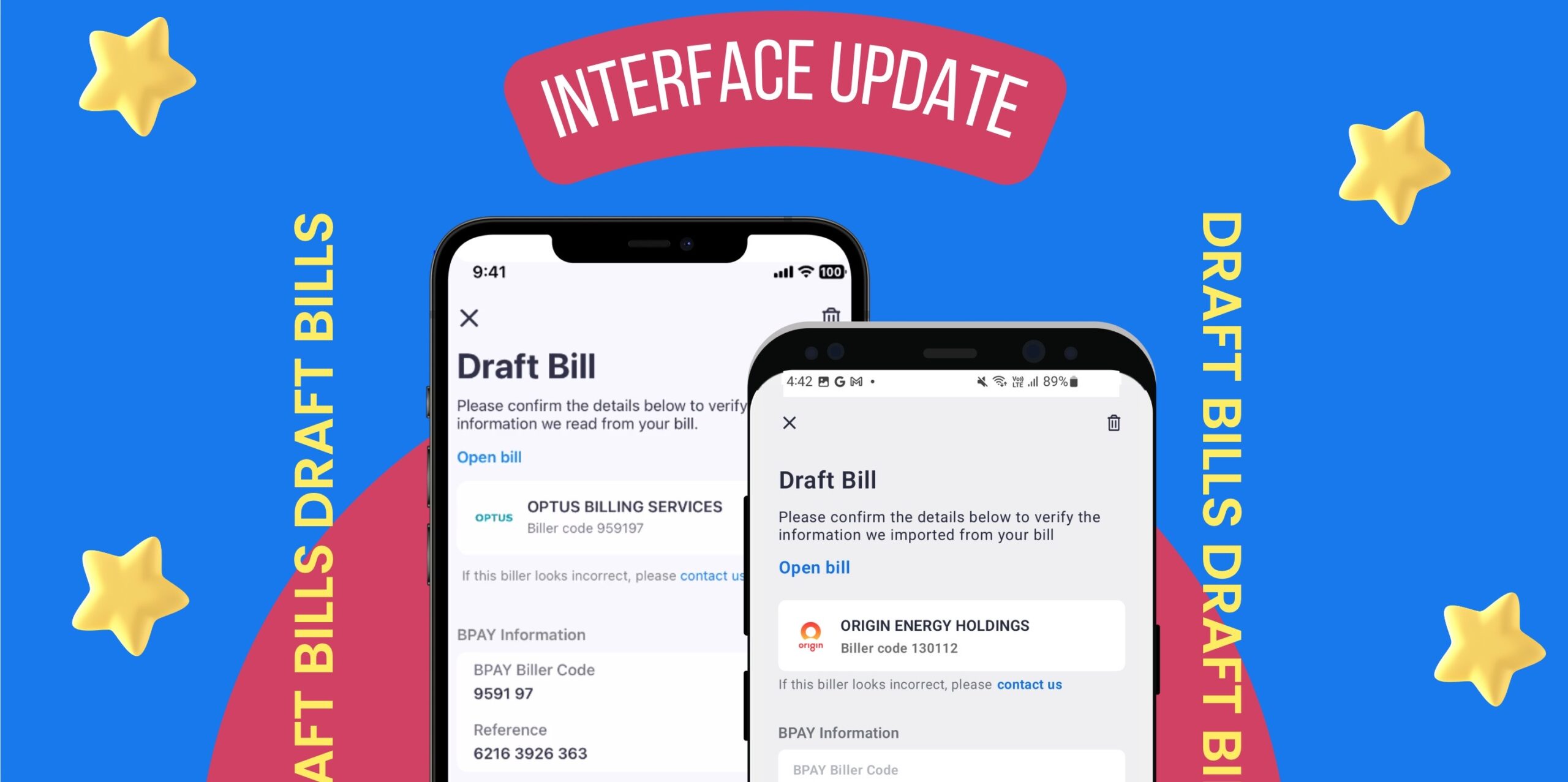
New Interface Update: Draft Bills

New Year, new interface? Draft bills gets a glow-up!

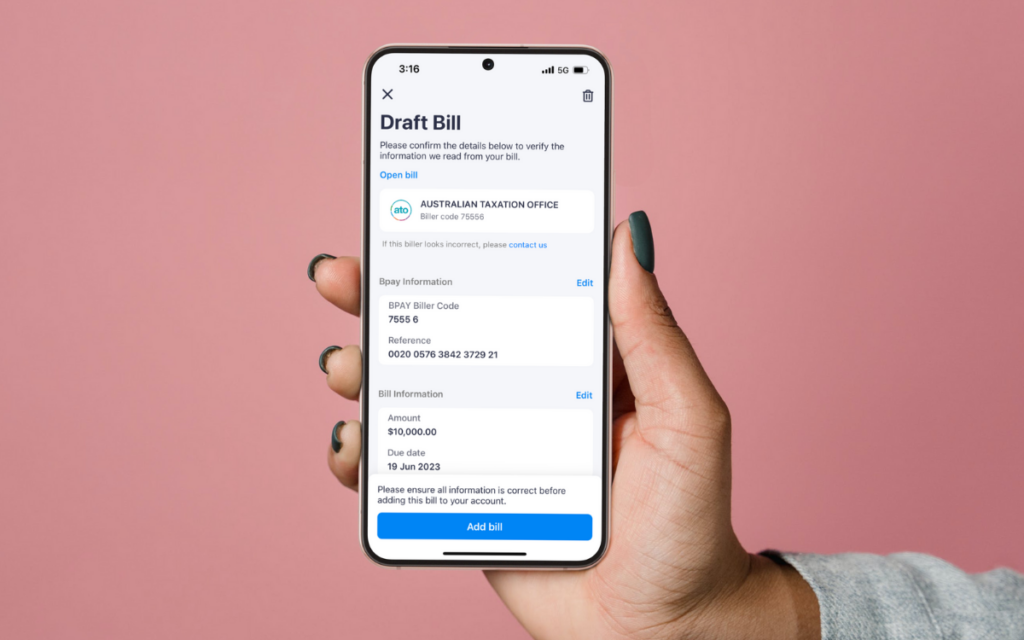
It’s a new year and we’re freshening up your favourite app (we’re no biased) with a nice new interface for adding your draft bills to the Sniip app. 

Why the change? We’ve made this update in preparation for launching pay to BSB and Account Number later this year (yep we really weren’t kidding when we said we’re working hard on it).

You can explore more below, but at high level we’ve updated the interface for importing a bill the following ways: 

1. Import your bill from a photo
2. Share your bill from your email 

Please note: The interface remains the same for scanning a BPAY Biller Code and adding a BPAY Biller Code and Reference Number manually. 

How do I navigate the new flow? It’s easy!

Import bill from photo

  • Tap on the ‘+’ icon in the top right corner.
  • Select ‘Import from photo’, then ‘Take photo’. 
  • Take a photo of the bill you’d like to import into the Sniip app or import a photo from your ‘Photo Gallery’. 
  • Tap ‘Import’ once you have a photo of your bill.
  • Allow your bill to process under ‘Bills’.
  • Once processed, tap on your bill and review your details.
  • Tap ‘Review and submit’ and ‘Next’.
  • Tap ‘Add bill’.
  • Schedule or pay your bill in under a minute!

Import bill from your email

  • Open your emails and locate your bill.
  • Tap the ‘Share To’ icon and select the Sniip app.
  • Select ‘Import bill’.
  • Open your Sniip app to find your bill processing under ‘Bills’.
  • Once processed, tap on the bill and select ‘Add Bill’.
  •  Schedule and pay your in under a minute! 

Is there a new feature you’d like to see in the Sniip app? We’ve love to hear it! Send us an email with your idea to customercare@sniip.com and we’ll pass it onto our Technical Development team! 

New Feature Alert: Drag & Drop Your Bill

New Feature Alert: Drag & Drop!

Introducing a brand new feature for Sniip – drag and drop!

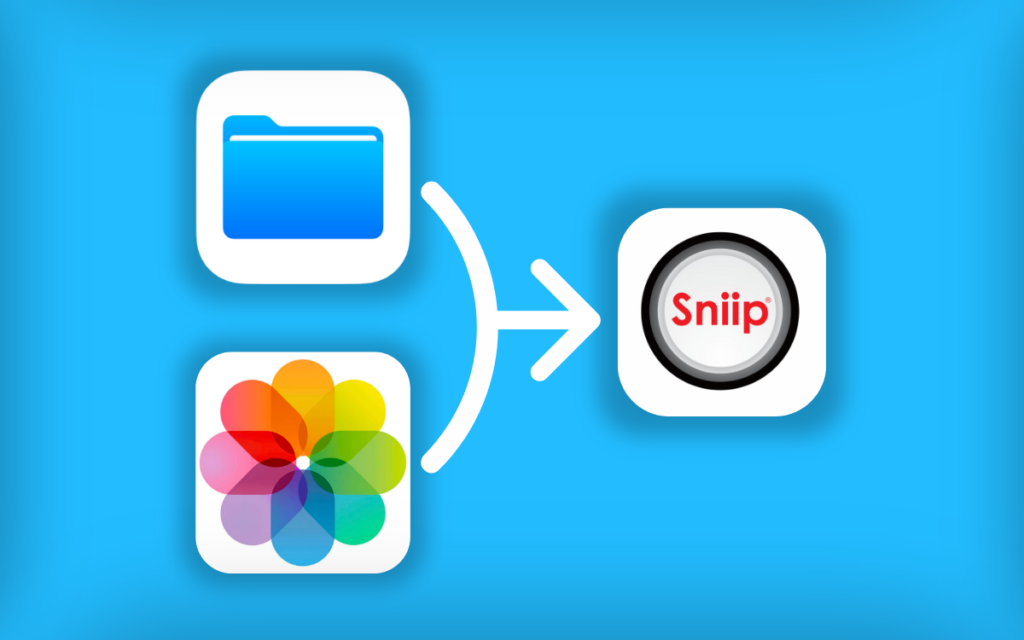
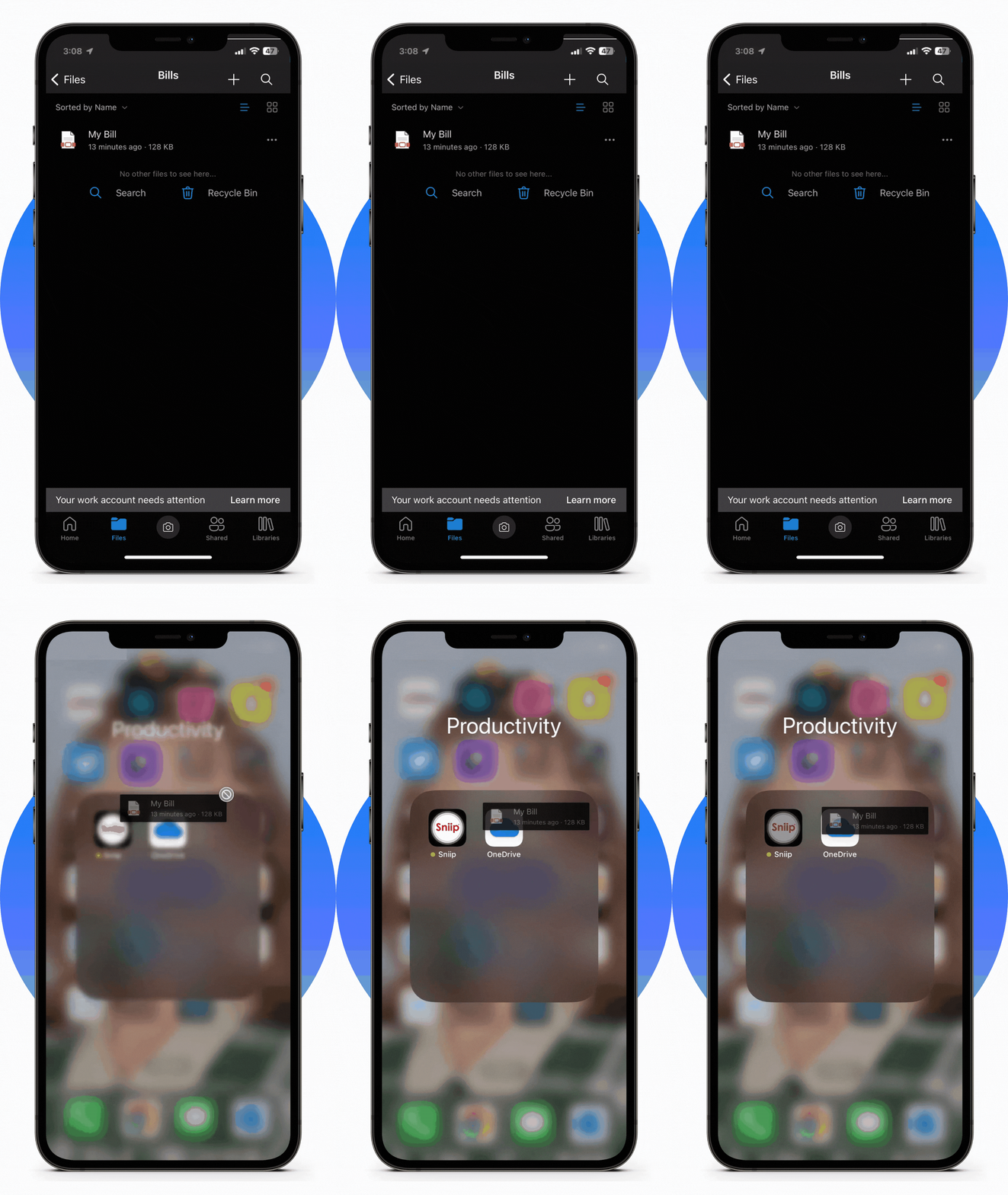
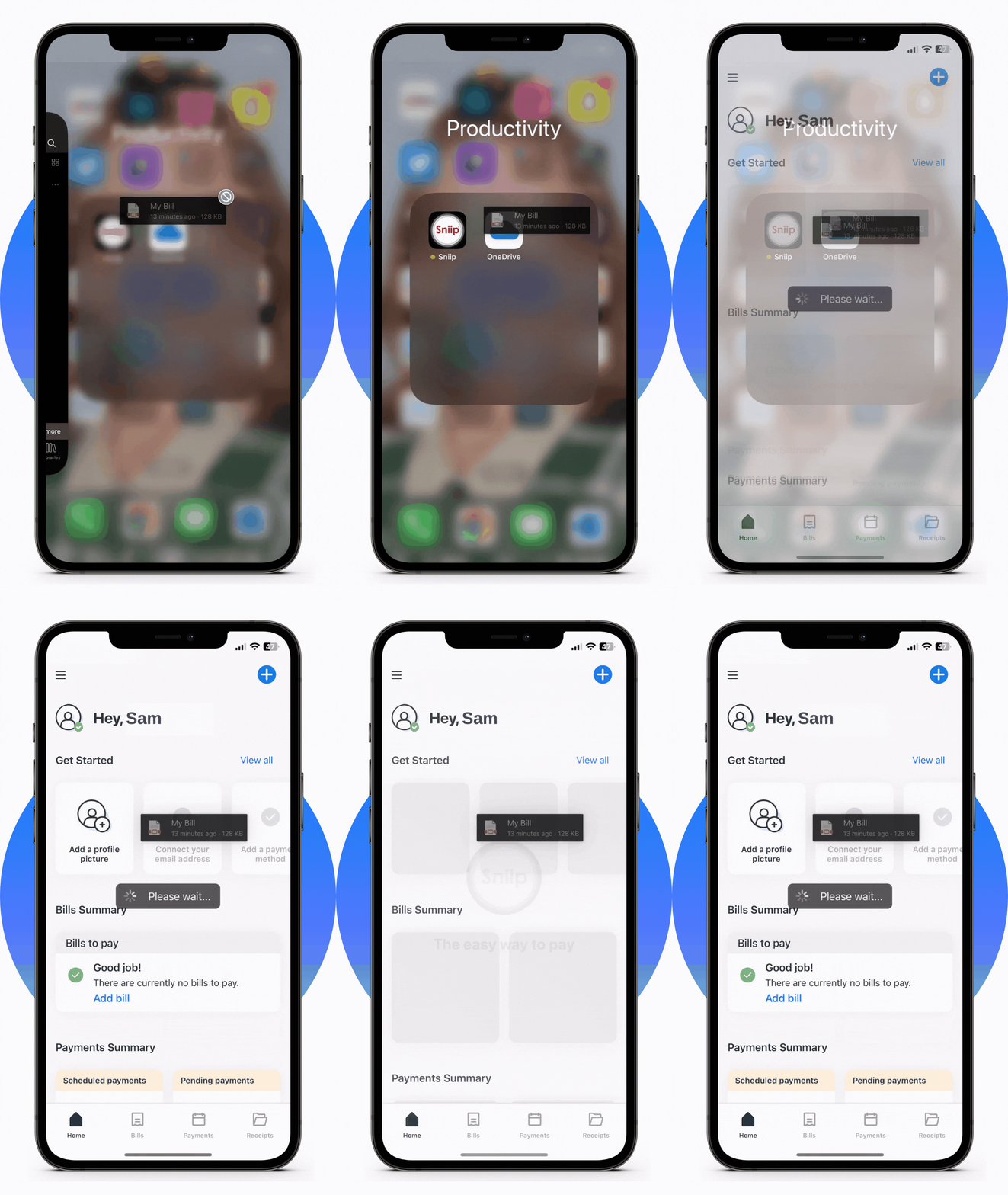
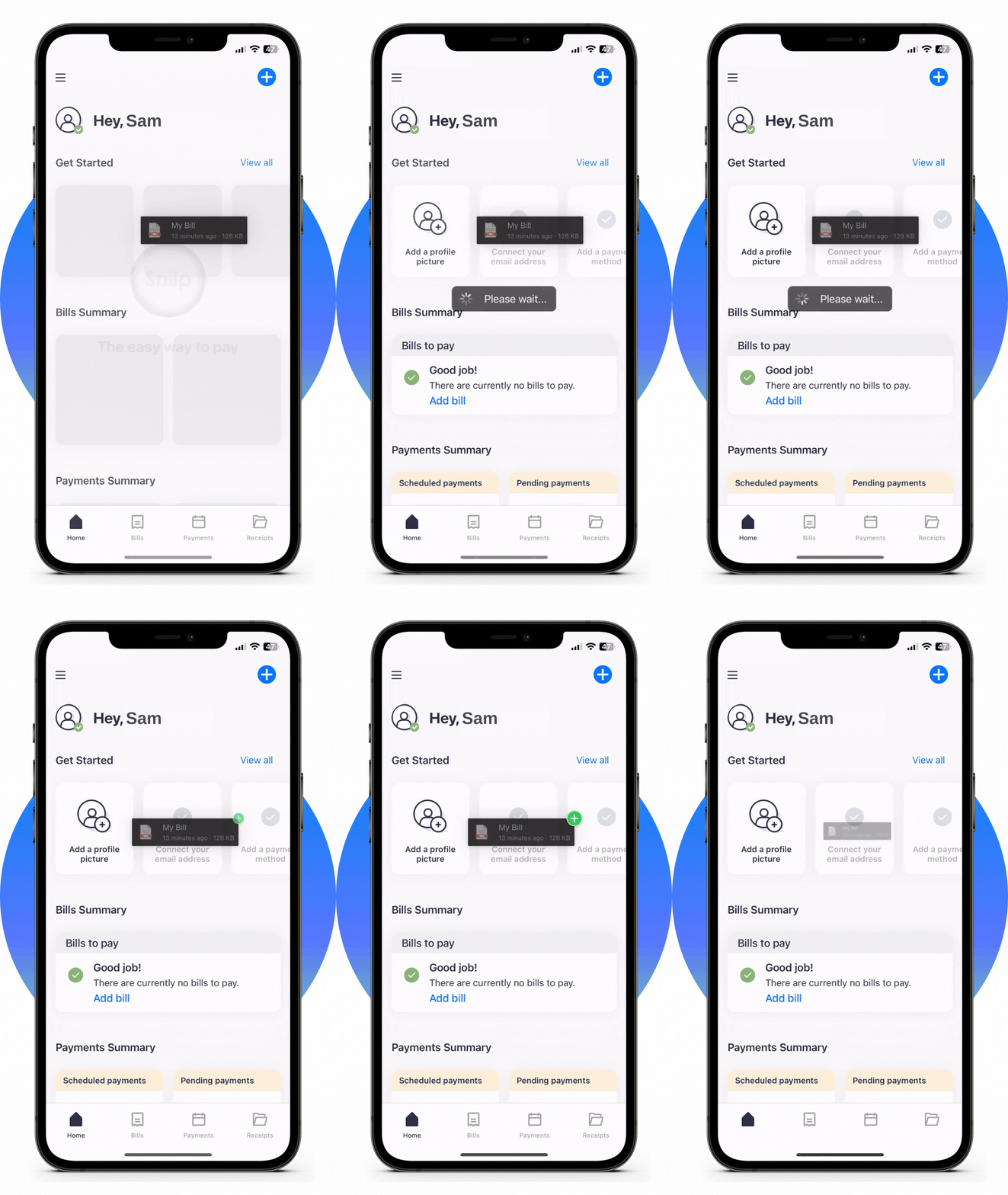
You can now import your bills easily from your ‘Files’ or ‘Photos’ app by simply dragging and dropping your bill into Sniip, just like you would on your computer. This feature is perfect for individuals and businesses who want to streamline bill payment processes.

If you can’t tell already, we’re pretty big on saving our user’s time and energy when it comes to paying bills. So, say goodbye to the hassle of manual bill entry and hello to more time for the things that matter!

Note: To utilise this feature, ensure you’re running the latest version of the Sniip app (version 23.1.0 or later). 

How to use Drag & Drop


It’s super simple to import a bill using drag and drop.

Simply navigate to where you have saved your bill (either a screenshot in your Photo Library, or a PDF in your Files), and tap and hold the bill.


From here, you can exit out of the app (while still holding down on the bill), and move it into your Sniip app. 

Just make sure your photo or PDF clearly shows the bill details including the ABN, BPAY Biller Code and Reference Number! 


Make sure you wait until you see the green plus sign ‘+’ appear next to your bill, that’s when you’ll know the bill has been successfully added into your Sniip account.

Check out our video on how to import a bill from your photo below!

Just Arrived: Fast Five FAQ Exposed

Fast Five FAQ: Our most commonly asked questions

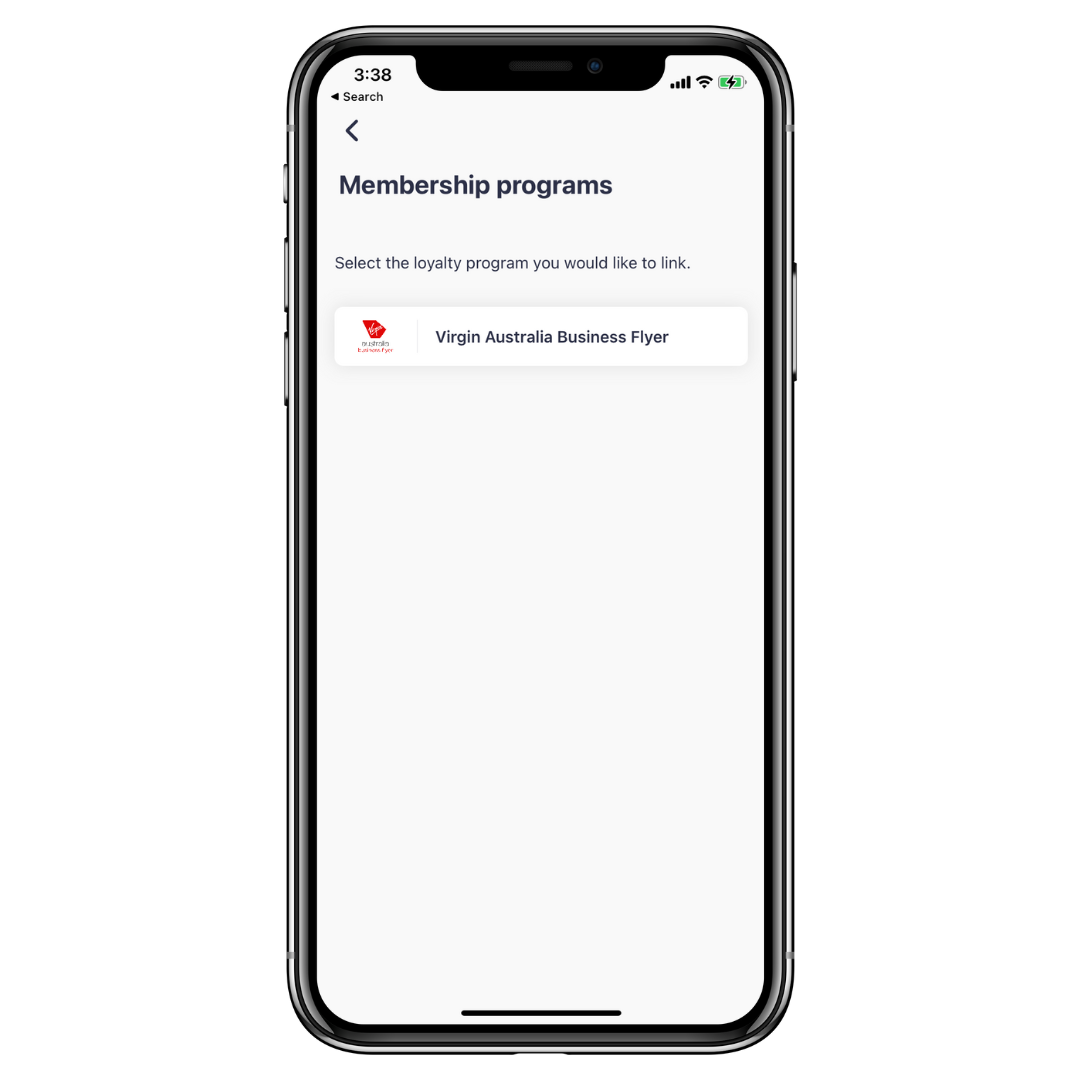
I saw you’re offering Velocity Points through Virgin Australia Business Flyer. What membership number do I use to link my account to Sniip?

Great question! Your Virgin Australia Business Flyer membership number is your ABN/ACN. 

To add your Virgin Australia Business Flyer number to Sniip, do the following: 

  • Login to the Sniip app
  • Tap the menu bar in the top left corner and select, ‘Loyalty’, then ‘Add membership’
  • Select ‘Virgin Australia Business Flyer’ from the available options 
  • Enter in the ABN/ACN associated with your Virgin Australia Business Flyer account in the ‘Membership number’ field

If entering this number does not work, please contact businessflyer@virginaustralia.com.

Is there a way I can send my bills directly to Sniip?

Absolutely! We’re really proud of this feature, it’s called, ‘Import from Email’. Simply connect your Gmail or Microsoft email account to Sniip, we’ll automatically add the bill to your Sniip app when it arrives in your inbox and send you a handy push notification when it’s ready for payment. 

Here’s how to connect, ‘Import from Email’

  1. Tap the menu bar in the top left corner and select, ‘Import from Email’ 
  2. Connect your email (we support these emails
  3. Done! We’ll import your bill directly into the Sniip app when it arrives in your inbox.

What type of bills can I pay with Sniip?

You can pay personal and business bills with Sniip. If your bill is one of the 60,000+ billers with a BPAY Biller Code and Reference Number, chances are you can pay it with Sniip! 

Here’s some of the top bills paid using Sniip: 

  • ATO, payroll tax 
  • DEFT 
  • School feels (incl higher education) and childcare 
  • Superannuation 
  • Rent, rates and body corporate (STRATA)
  • Energy and water providers
  • Phone and internet providers 
  • Insurance (health, car home and contents)
  • Energy, gas and water
  • Vehicle registration, fines and vehicle club membership fees (e.g. RACQ, RACV)
  • Accounting services

When does Sniip process my bill payment? How long does it take? I’ve left it a bit late and I’m worried it won’t be paid on time.

It takes approximately 24 to 48 hours for Sniip to receive your funds. We process your bill payment as soon as we receive your funds. 

The cut-off times for payments to be made the next business day are: 

  • 11.59pm AEDT Visa/Mastercard
  • 6pm AEDT Amex
  • 6pm AEDT Diners (+ 1 extra business day)
  • 6pm AEDT Bank Accounts (+ 1 extra business day)

Payments made after this cut-off will not be processed on the next business day – they will be processed the following business day. 

As the funds take roughly 24 hours to finalise and be deposited into the billers account, we suggest always paying your bill two (2) days in advance. The biller must recognise the BPAY payment as the date that the bill was paid. You may refer to the time-stamped Sniip receipt under the “Receipt” tab in the app for record/reconciliation purposes.

Can I pay to a BSB and Account Number (bank account) using Sniip?

This is a hot question and we’re working on it right now. Pay to a BSB and Account Number will be launched in 2023. 

As a subscriber to Sniip, you’ll be the first to know when the feature launches.  

5 New Years Resolutions For 2023

5 Money Saving Resolutions

As we bid farewell to another year and look ahead to the possibilities of the new one, it’s natural to think about the changes we want to make in our lives. Making New Year’s resolutions is a time-honored tradition, and it’s a great opportunity to set financial goals and work towards personal growth.

If you’re looking for some inspiration for your 2023 New Year’s resolutions, here are five ideas to consider!

1. Start a Christmas Club account

We know! We’re barely three days out from Christmas and no-one is thinking about Christmas 2023. But hear us out. If you put away, even $10 a week from January, you’ll have $520 ready to reduce the sting of the silly season. 

Plus, with an increased return on savings/ term deposits due to an increasing interest rate environment you could earn more on your savings come December 2023. 

2. Bring back the piggy bank

If you’re not ready to take on the administration of setting up a sub-account, why not go old school and bring back the piggy bank. 

Resolving to pop all your spare coins from the bottom of your handbag or the floor of your car into a piggy bank/jar/bucket or whatever you have at hand can add up quickly 365 days later. 

Start stashing the shrapnel now and thank yourself later! 

3. Prep & buy in bulk

We get it. The busy-ness of life often makes tapping on an app to order a meal to your home seem reasonable and convenient. But as we all know, convenience comes at a cost! This year, Canstar Blue found that Aussies are spending up to $47 each week on food delivery. That’s $2,444 each year!

It’s a lot of money, right!? So, why not give meal prepping a try in 2023 and enjoy all of its delicious benefits? You’ll be “prepping” your taste buds for a treat!

And for the person who writes the lists, we haven’t forgotten about your struggle! No matter how carefully you plan, you often get distracted by the kids/a work call or your own lack of sleep and end up forgetting something crucial, like milk or bread. But don’t worry, fellow shoppers: we’ve all been there.

To make life easier for you, we’ve found a template, so you can plan your meals and ingredients. Check out some different layouts here to find which works best for you! 

4. Tap the brakes on buying new things

We get it, it’s easy to get caught up in the moment and convince yourself that “I deserve this!” But while new clothes might make you feel good at first, they’ll sting your savings over time!

So, if you want to save money in 2023, you can find some amazing deals on clothing, shoes and accessories at your local op-shop. Or, maybe try Facebook Marketplace for a pre-loved bargain? You might even be able to find vintage pieces that are hard to find anywhere else! 

If this sounds like you and you’re looking for inspiration/a community to share in your savings, check out the #buynothingnew hashtag on Instagram or your chosen social media platform. 

5. Sign up for auto email import

If there’s one top tip we’d recommend to anyone looking to never miss a bill again, it’s to have your bills directly added to the Sniip app when they arrive in your email inbox. 

We’ll send you a handy push notification when they arrive and it will be there imported and ready for payment. 

Getting your bills sorted in 2023 is a great way to avoid incurring late fees and making the most of any early payment discounts your biller may offer. 

You can explore auto email import, here

More on the Sniip blog

Christmas gifting list – 10 gifts under $10

gifts under $10
gifts under $10

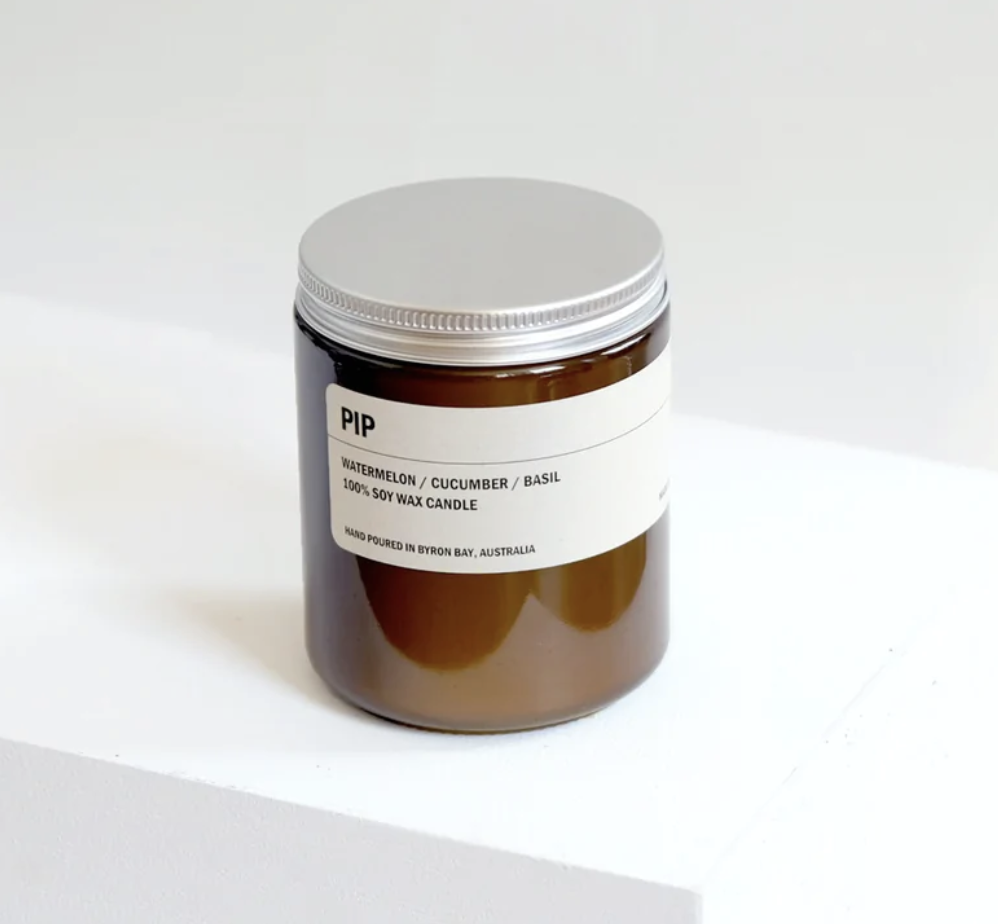
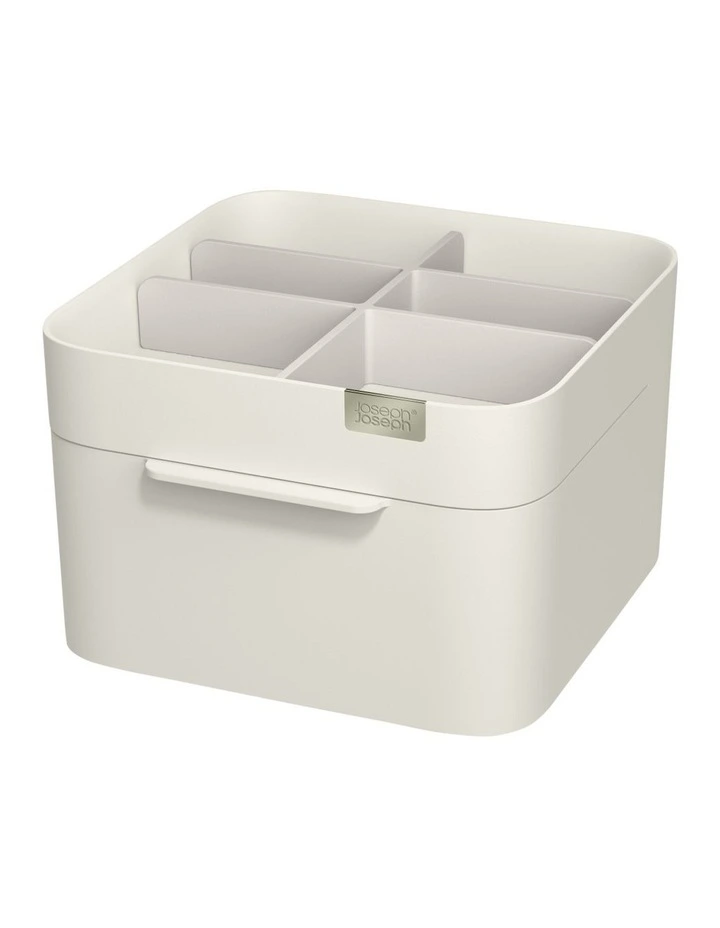
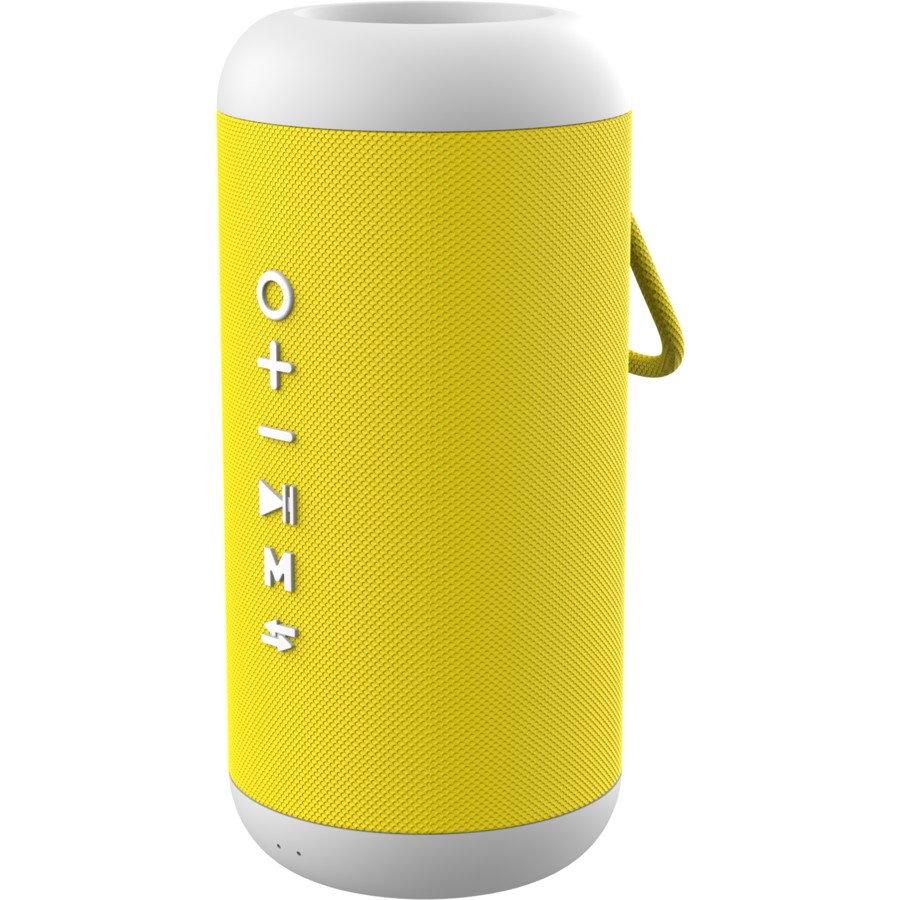
10 Gifts under $10

We’re one week into December already! We’ve put together 10 gifts under $10 that are all Australian-based and can be purchased with express shipping to ensure they (hopefully) arrive in time for Christmas.

1. University Games Scavenger Hunt for Kids

Ready, set, explore!

2. Jelly Belly Beanboozled Spinner Gift Box

Which flavour will you land on? (We hope it's not dirty dishwasher).

3. LEGO Super Mario Frog Mario Power-Up Pack

Gotta be done!

Cook something that would make Gordom Ramsay smile.

A great stocking filler.

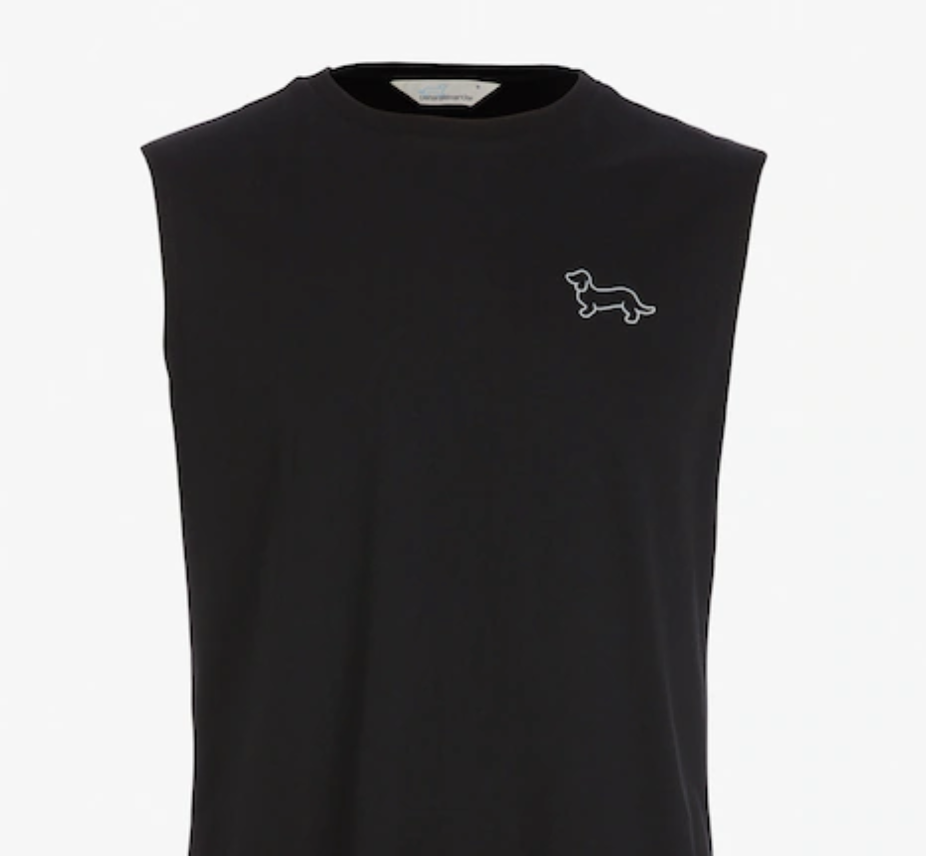
6. JAX - Cotton Contrast Peak and Eyelets Cap

Perfect for a day on the green.

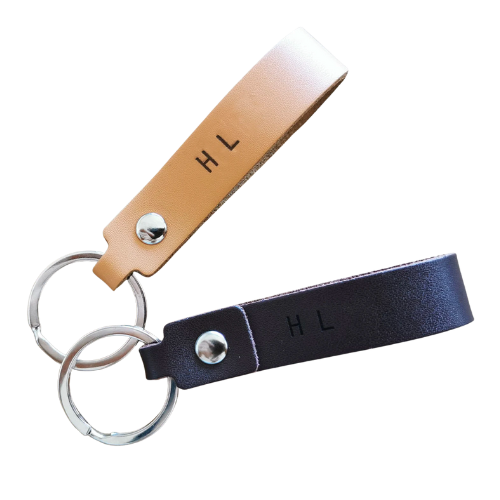
7. Personalised Keychain

For the person that's always losing their keys.

8. Tealight Lantern

Small and sweet.

9. Gin Cocktail Bar Flavoured Cocktail Mixer Set

Know someone who loves a good Gin Martini? Here comes the perfect gift.

10. Silk Pillow Set

Gift someone a constant 'cold side of the pillow'

More on the Sniip blog

Christmas gifting list – 50 gifts under $50 

50 Gifts Under $50

We share our Gifting Guide – 50 Gifts Under $50! We’ve curated this ultimate list into clusters (family, friends, colleagues) to cover even the trickiest of recipients. 

For your friends

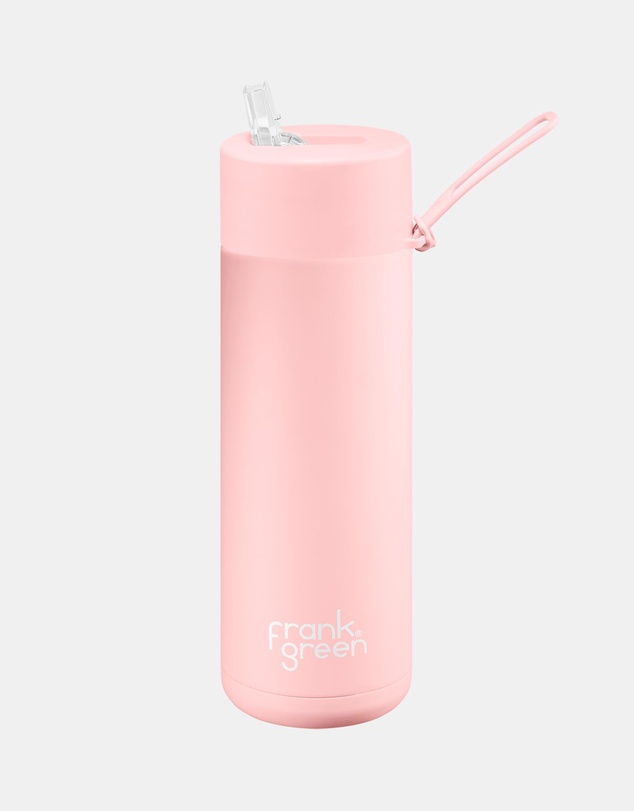
Frank Green 595ml ceramic water bottle

For your friend who lives for an emotional support water bottle.
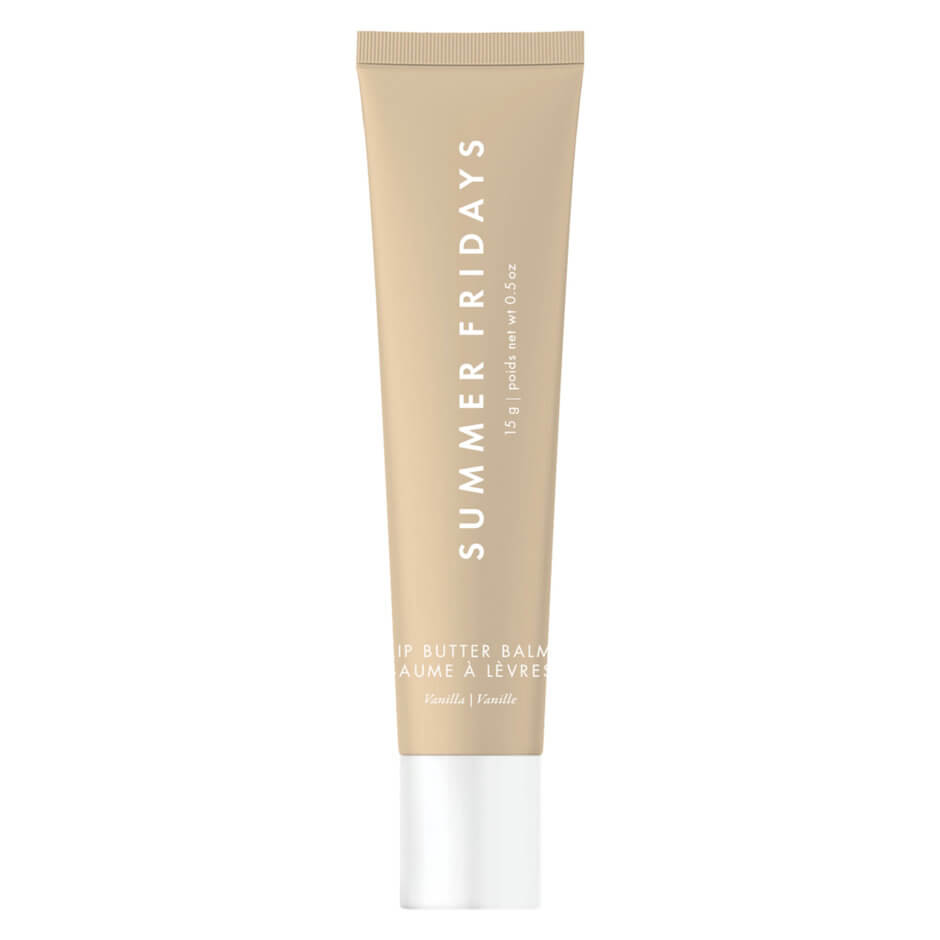
Summer Fridays lip balm

Find a better balm. We’ll wait!

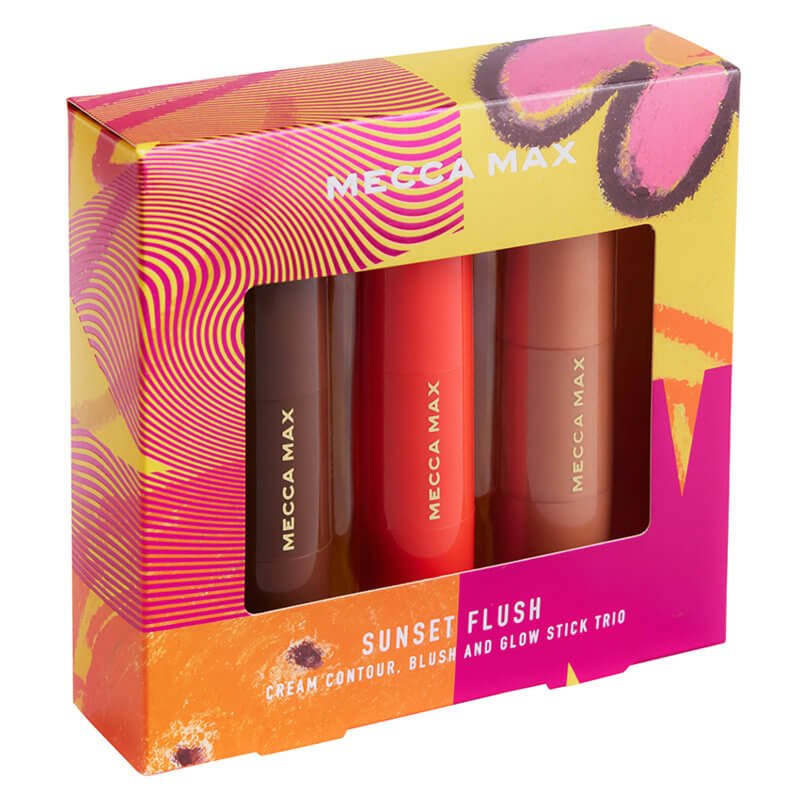
Mecca Complexion Stick Trio

Bronzer, highlighters, blush. Summer, sorted!

Ultra Violette SPF $49 (plus free shipping)

Our Head of Marketing loves this sunscreen! Take the sting out of the summer sun.
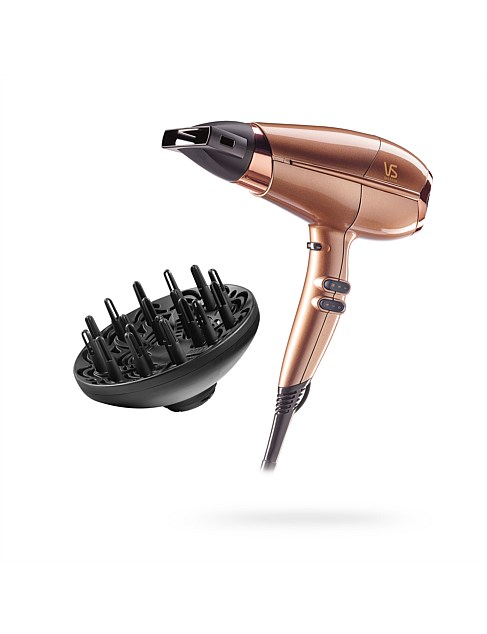
For your family

Catan

our Marketing Assistant loves this!

Lush Giftset

vegan friendly skincare

27 Inch Tabletop Pool Game

doesn't have room for a full table

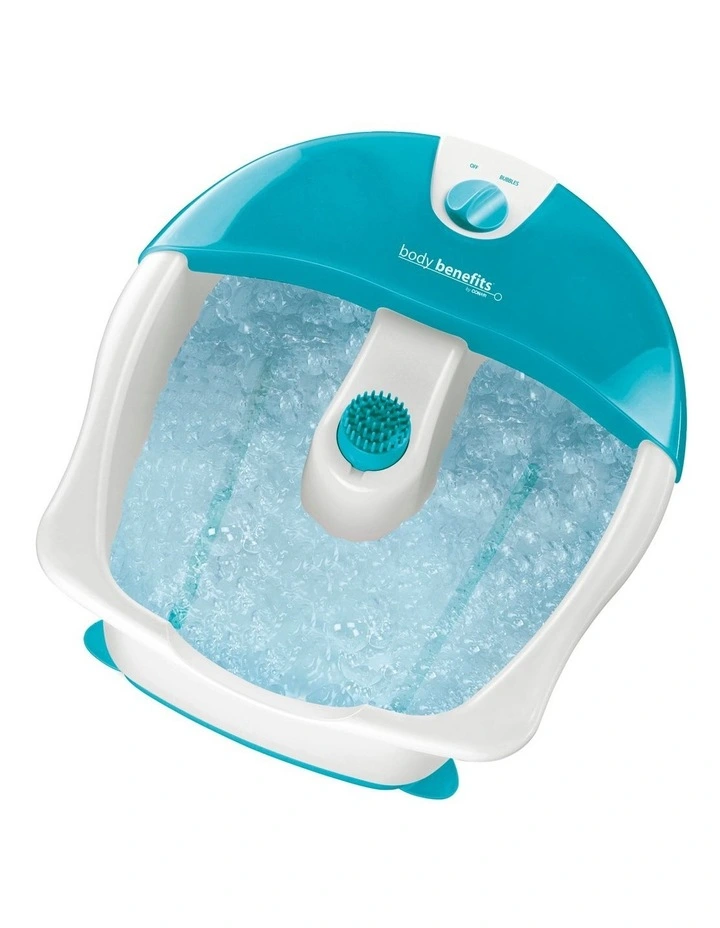
Conair Bubbling Hydro Foot Spa

Mums love a good foot spa (don't we all)
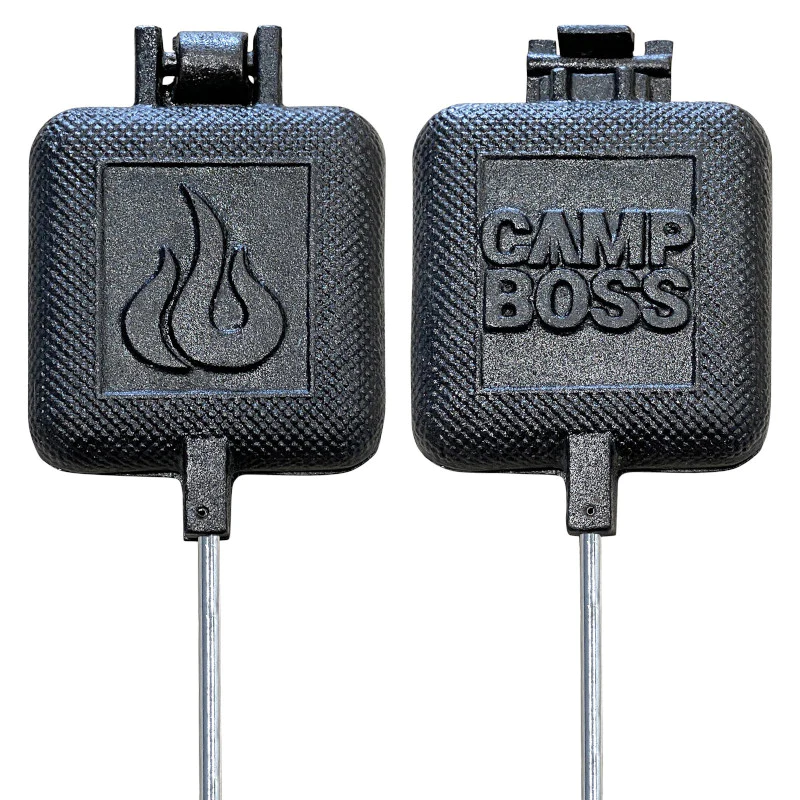
Jaffle Iron

the camping obsessed one

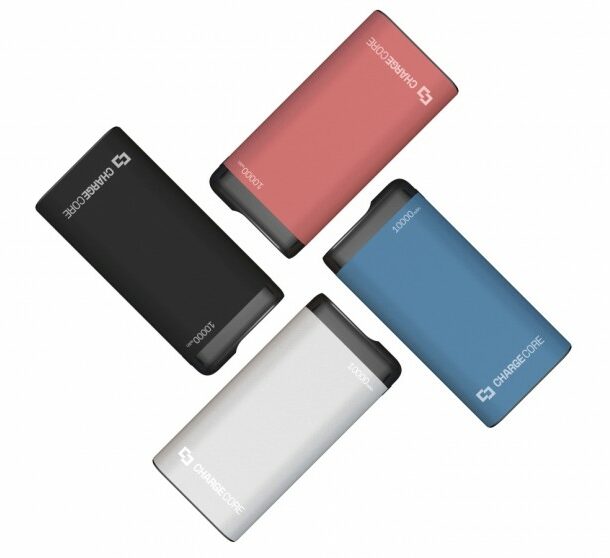
Laser 10000mAh Power Bank with LED Display

For that family member who always has a flat phone.

Custom Family Portrait

bonus points for personalisation

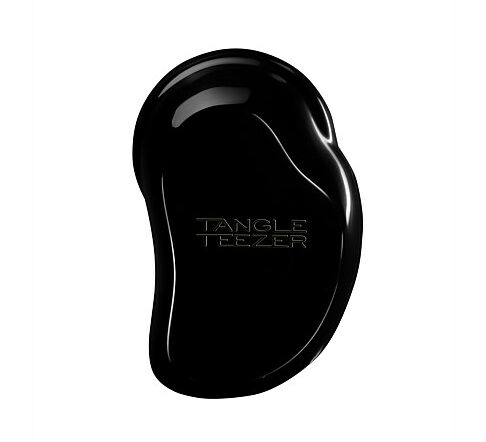
Detangling Brush

the only brush you need in your life

Shell Pink Plate

the ocean lover
For your colleagues

For the kids